Learning computer vocabulary in Swedish can significantly enhance your understanding and communication about technology in a Swedish-speaking environment. Whether you're a beginner or looking to expand your tech vocabulary, knowing the Swedish terms for common computer components and concepts can help you navigate discussions and technical support more effectively. In this guide, we'll explore essential computer-related terms, offering translations and explanations to help you get acquainted with key terminology. This knowledge will not only support your language learning journey but also provide you with a practical edge in both professional and casual tech-related contexts.

Click on the text to hear the pronunciation
 laptop
laptop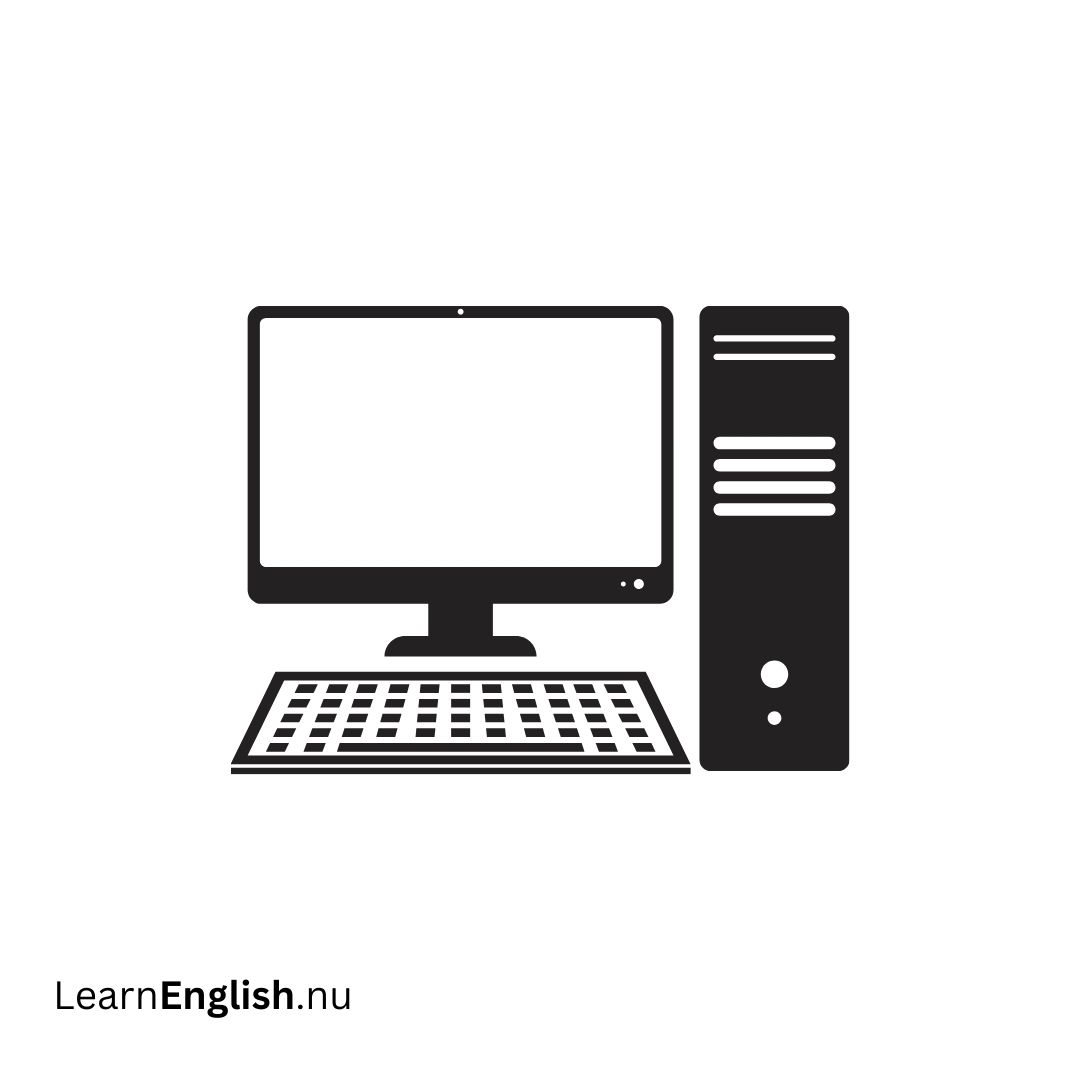 dator
dator
computer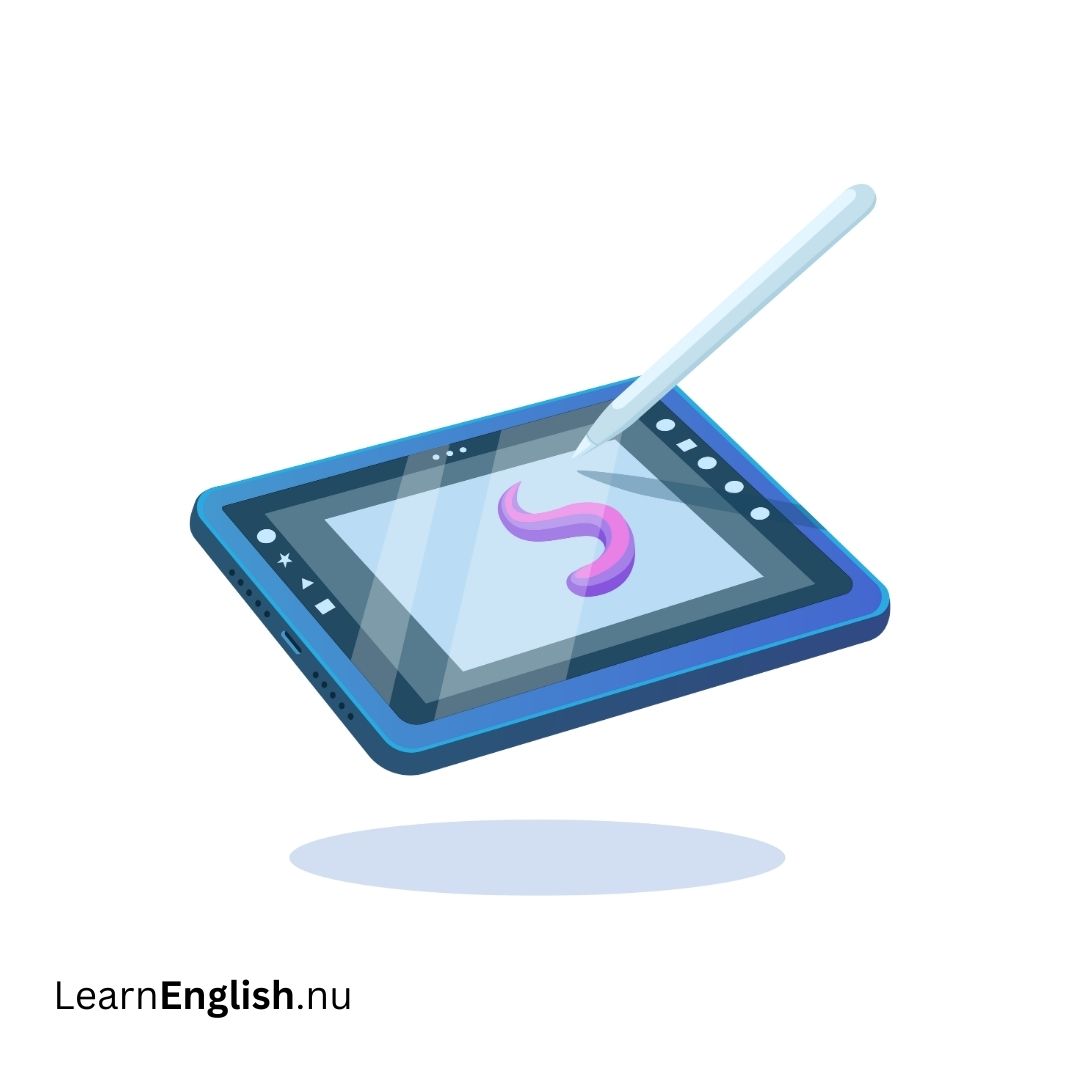 surfplatta
tablet computer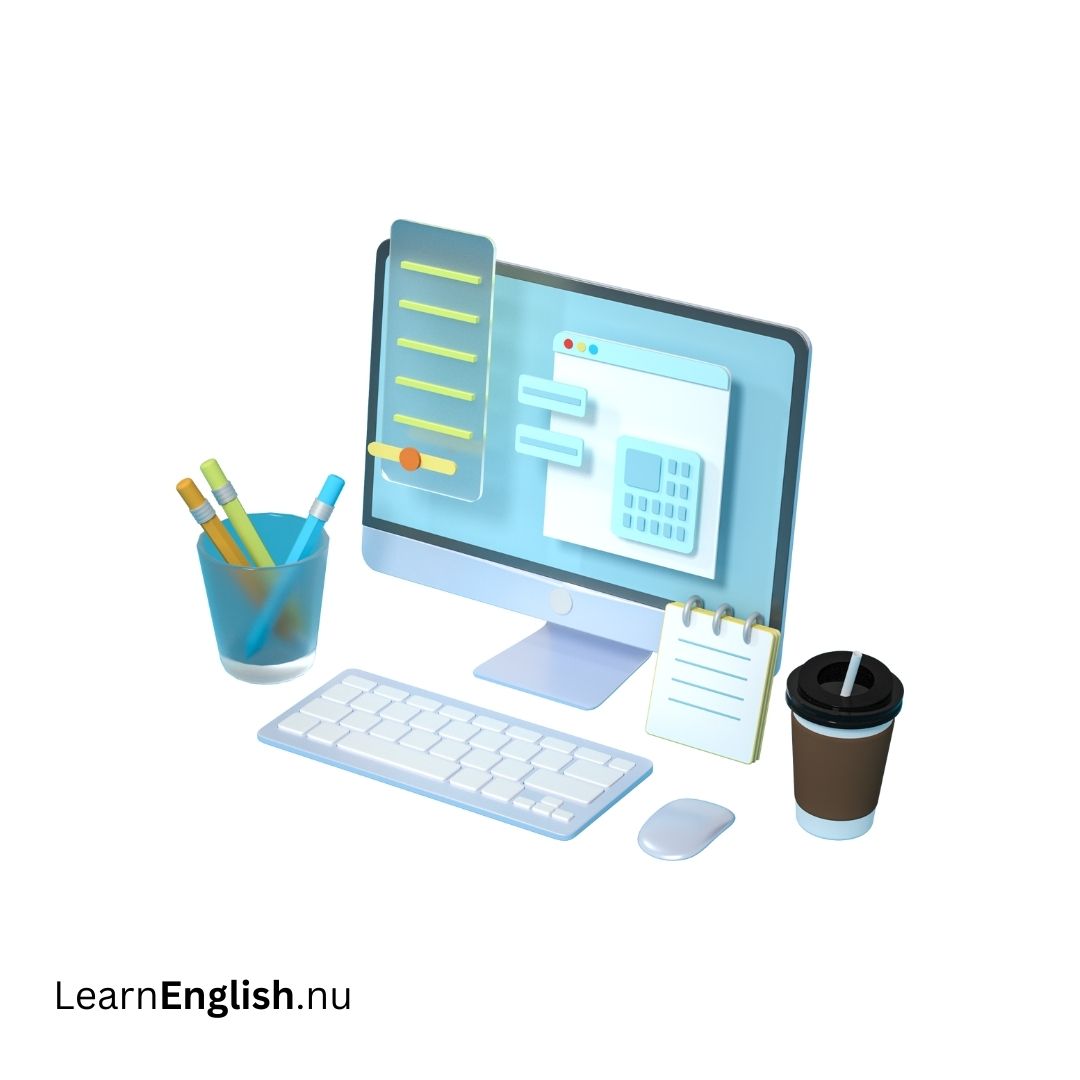 stationär dator
desktop computer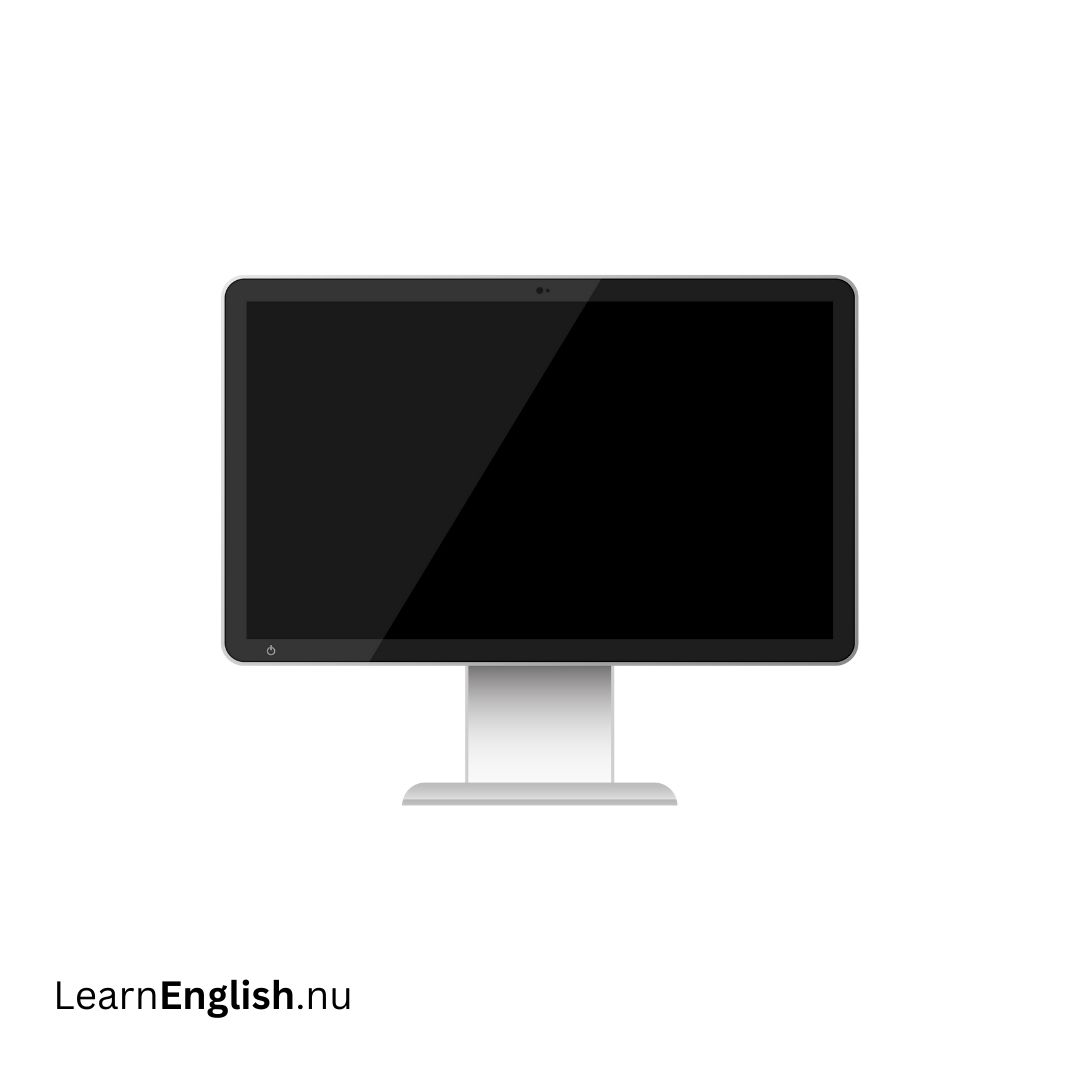 skärm
skärm
screen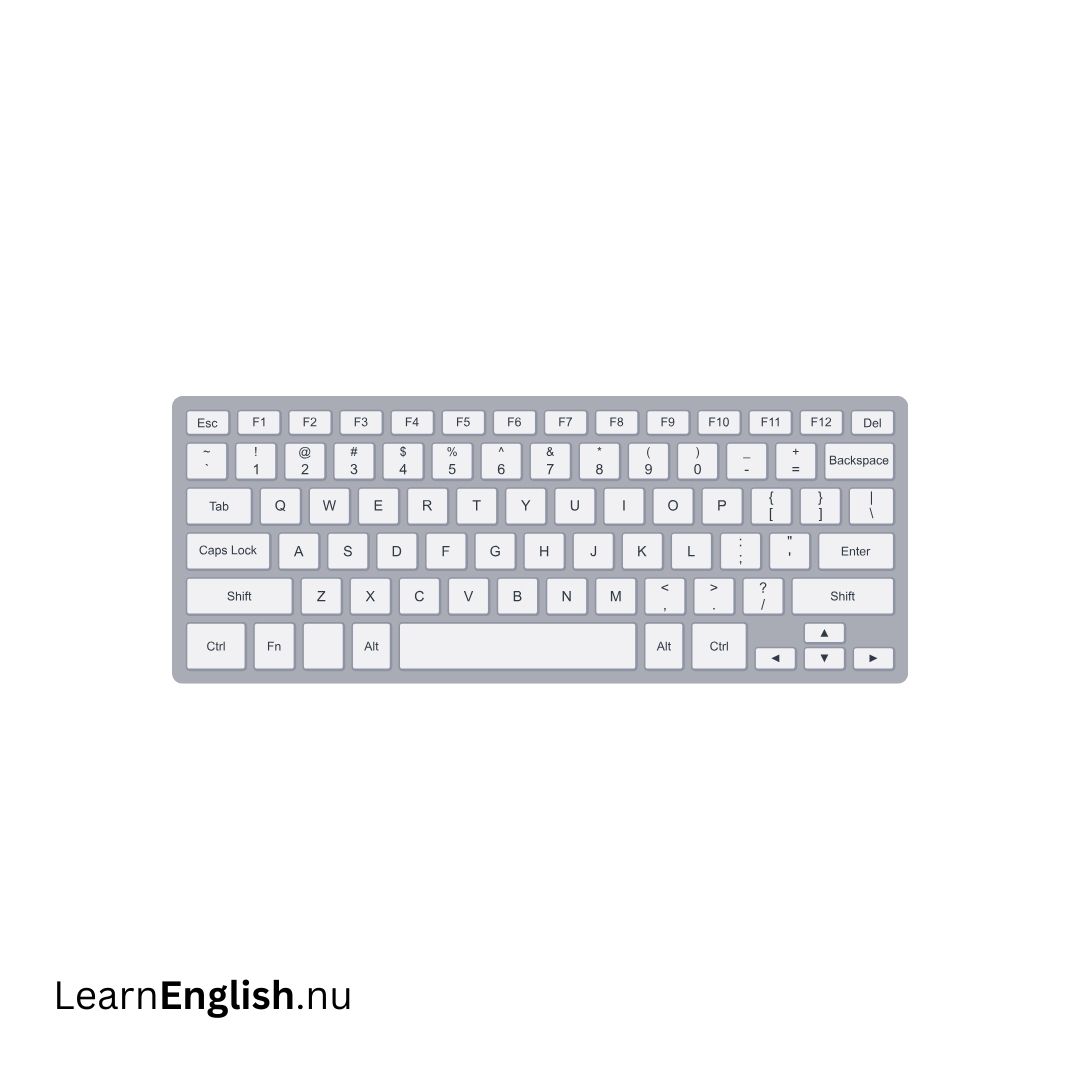 tangentbord
keyboard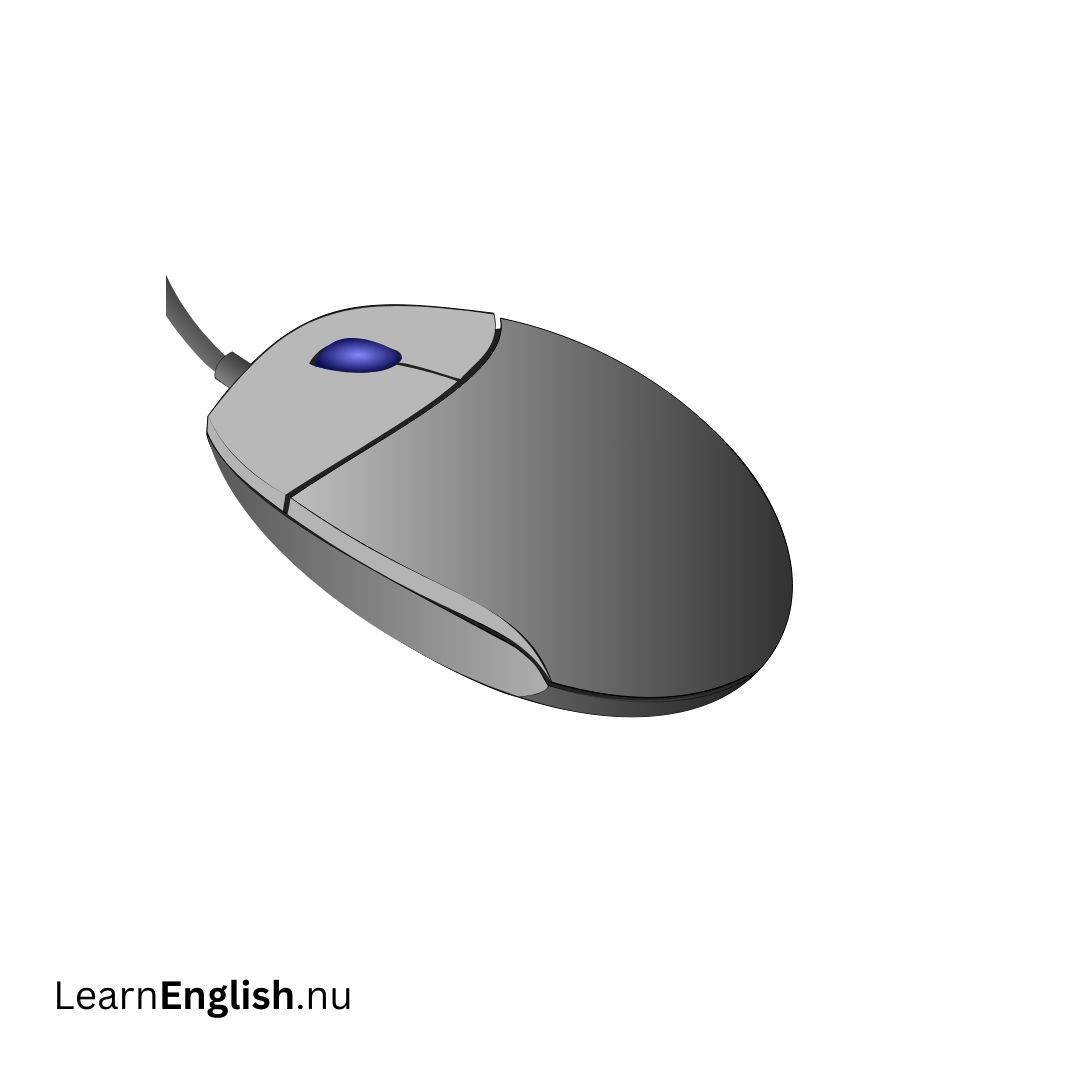 mus
mus
mouse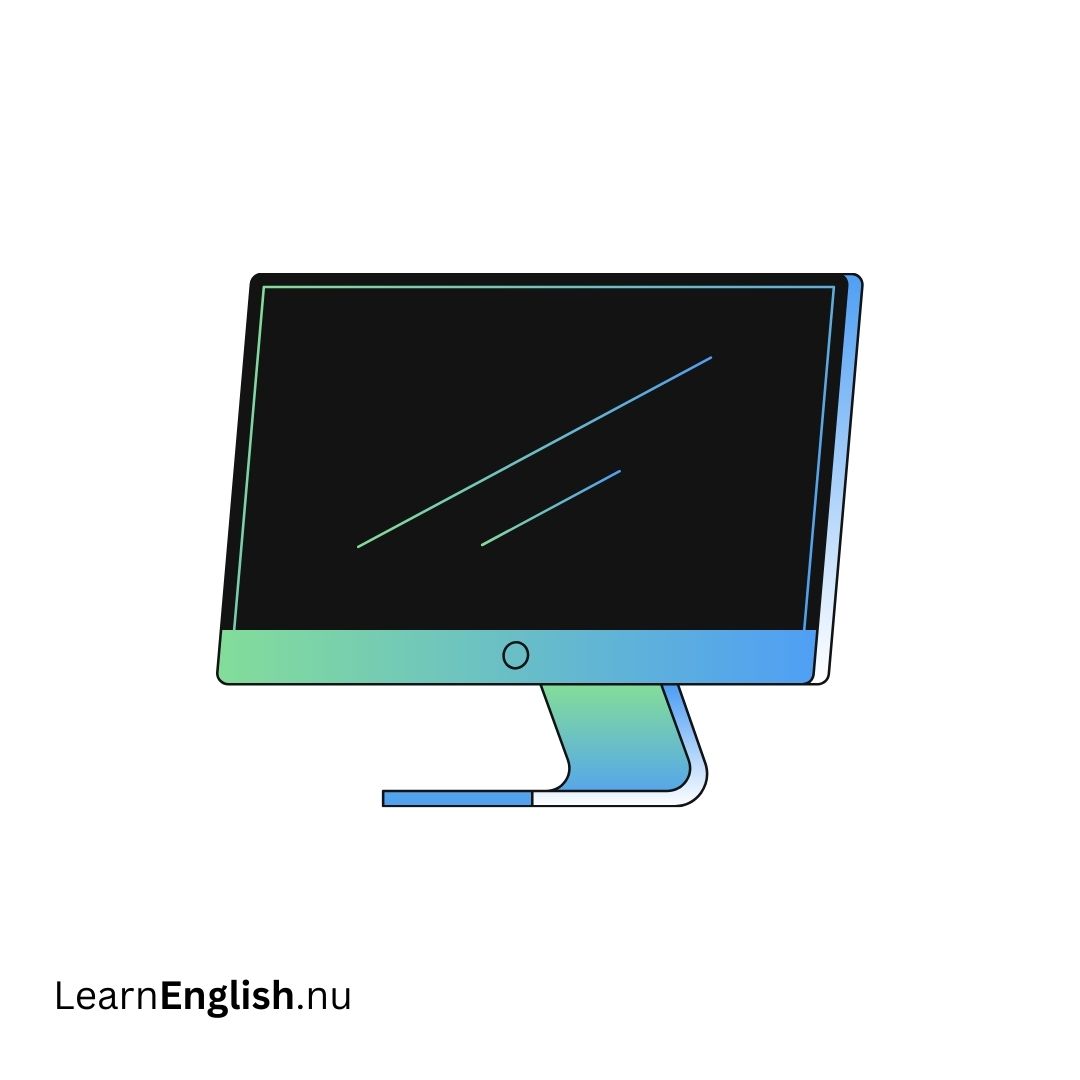 bildskärm
monitor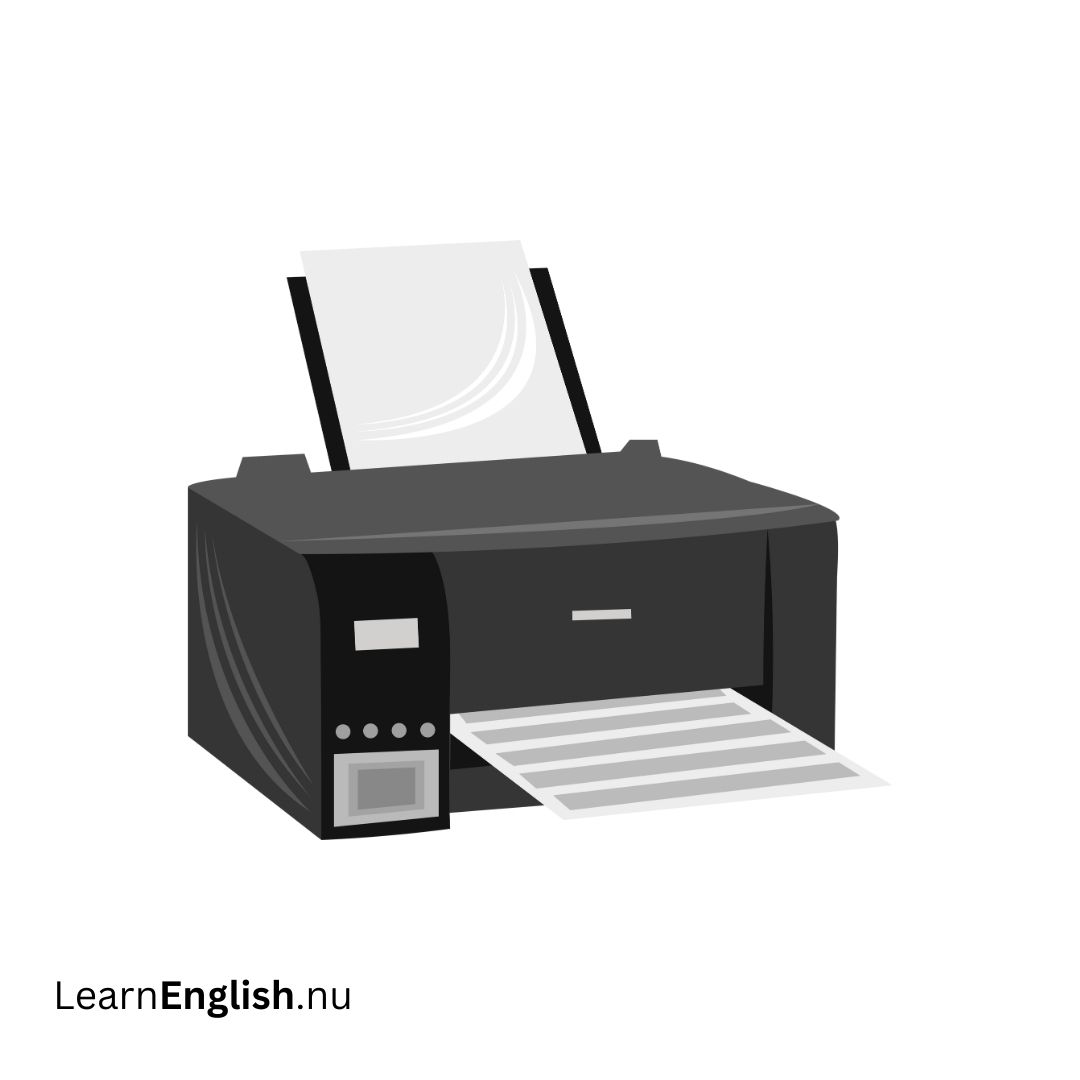 skrivare
printer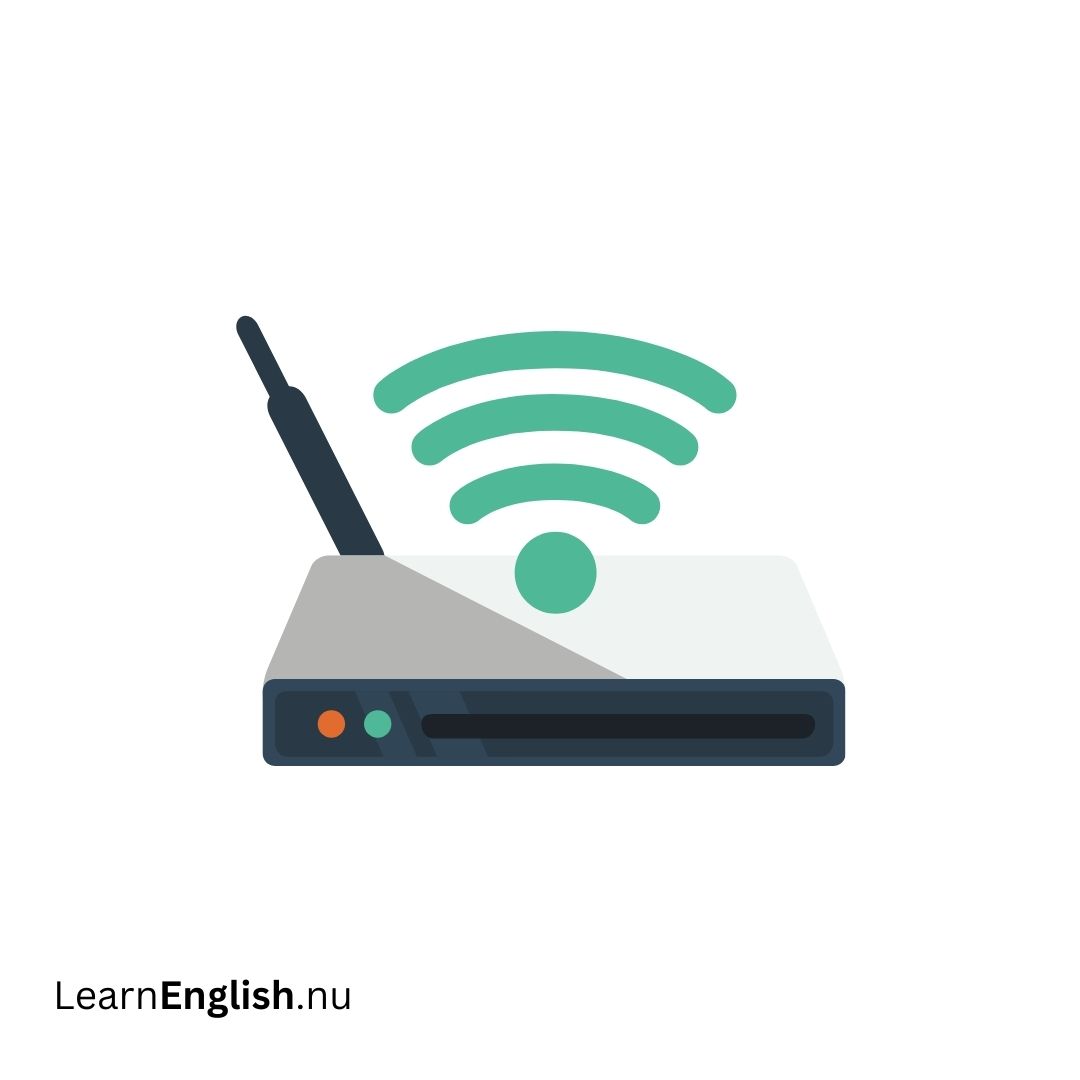 trådlös router
wireless router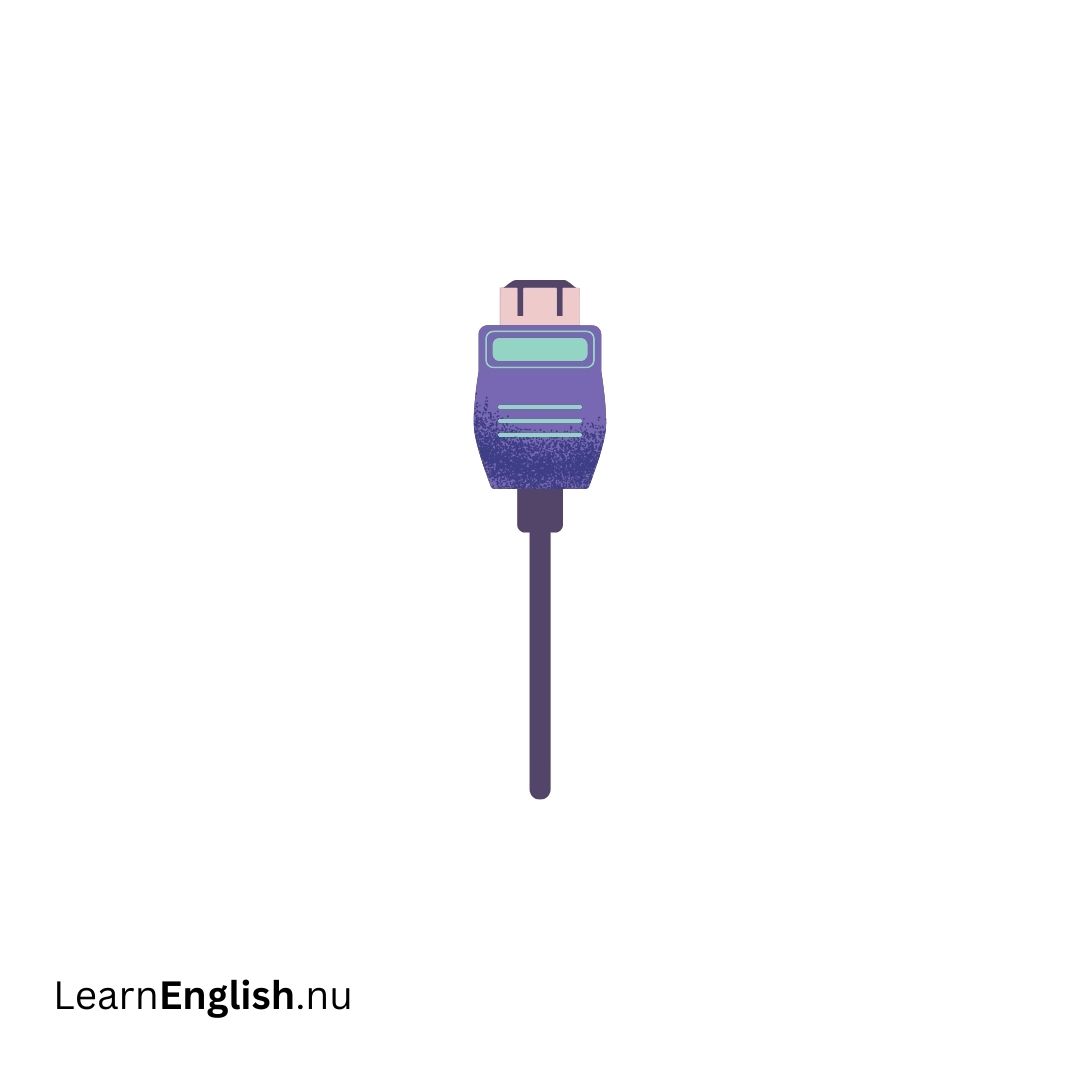 kabel
kabel
cable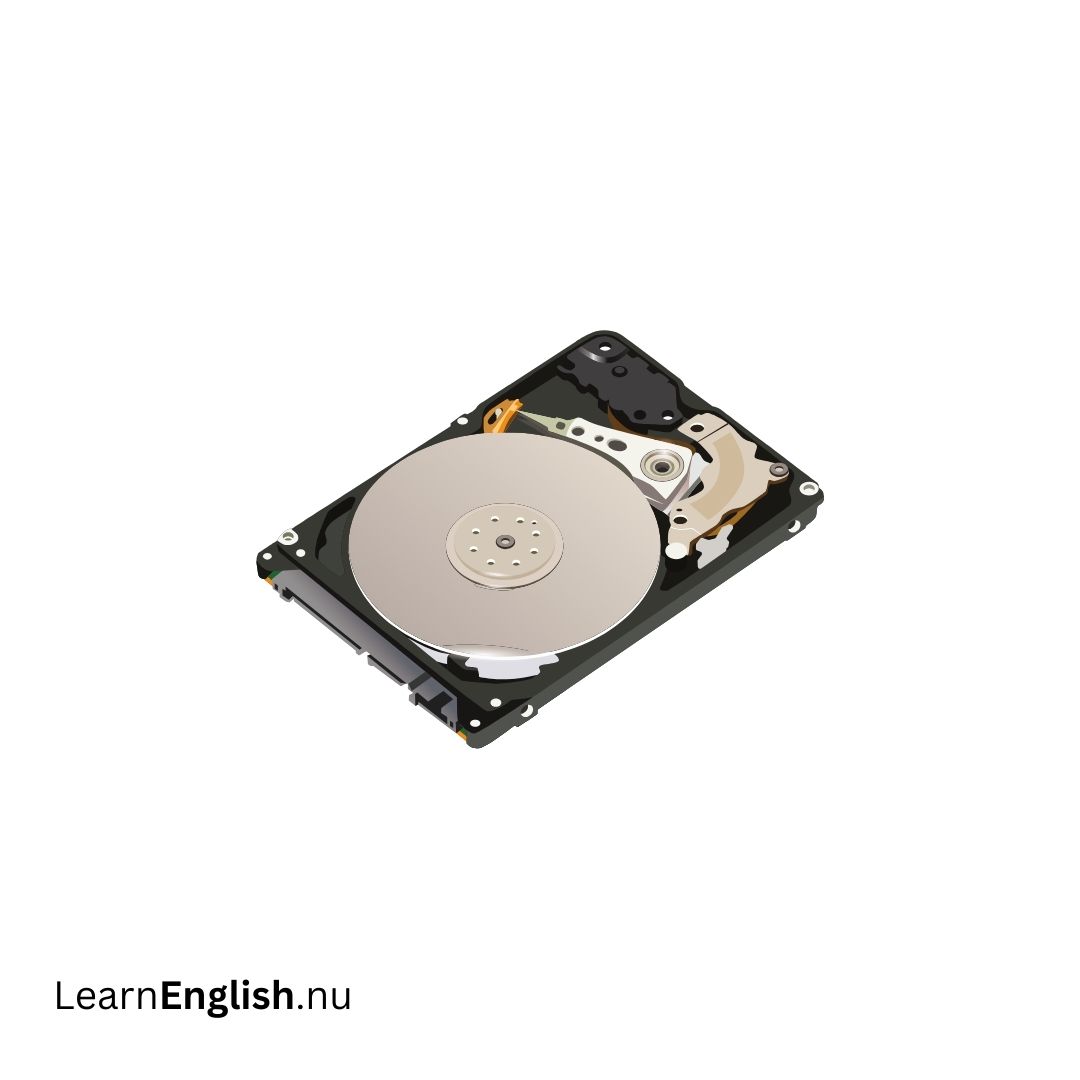 hårddisk
hard disk / hard drive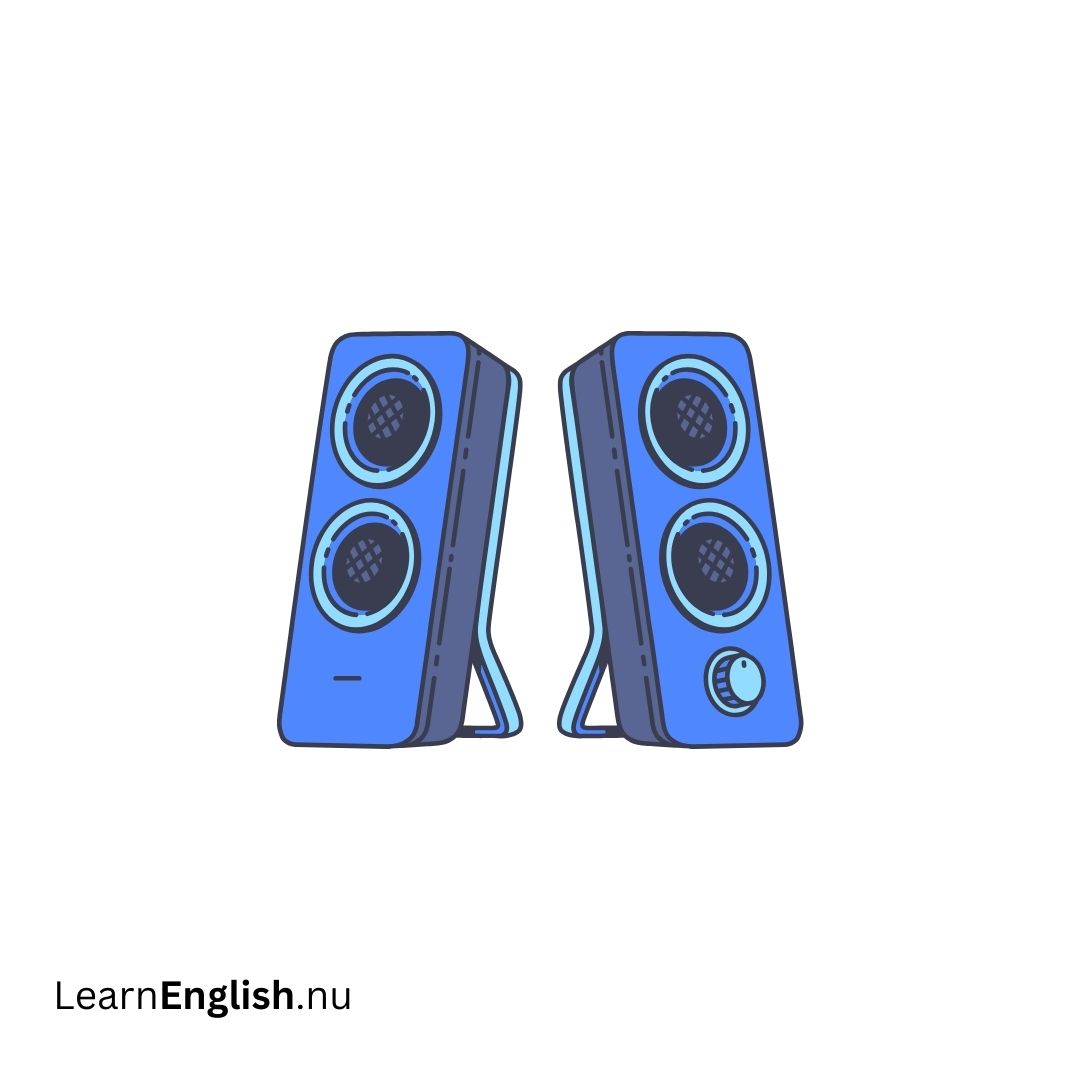 högtalare
speakers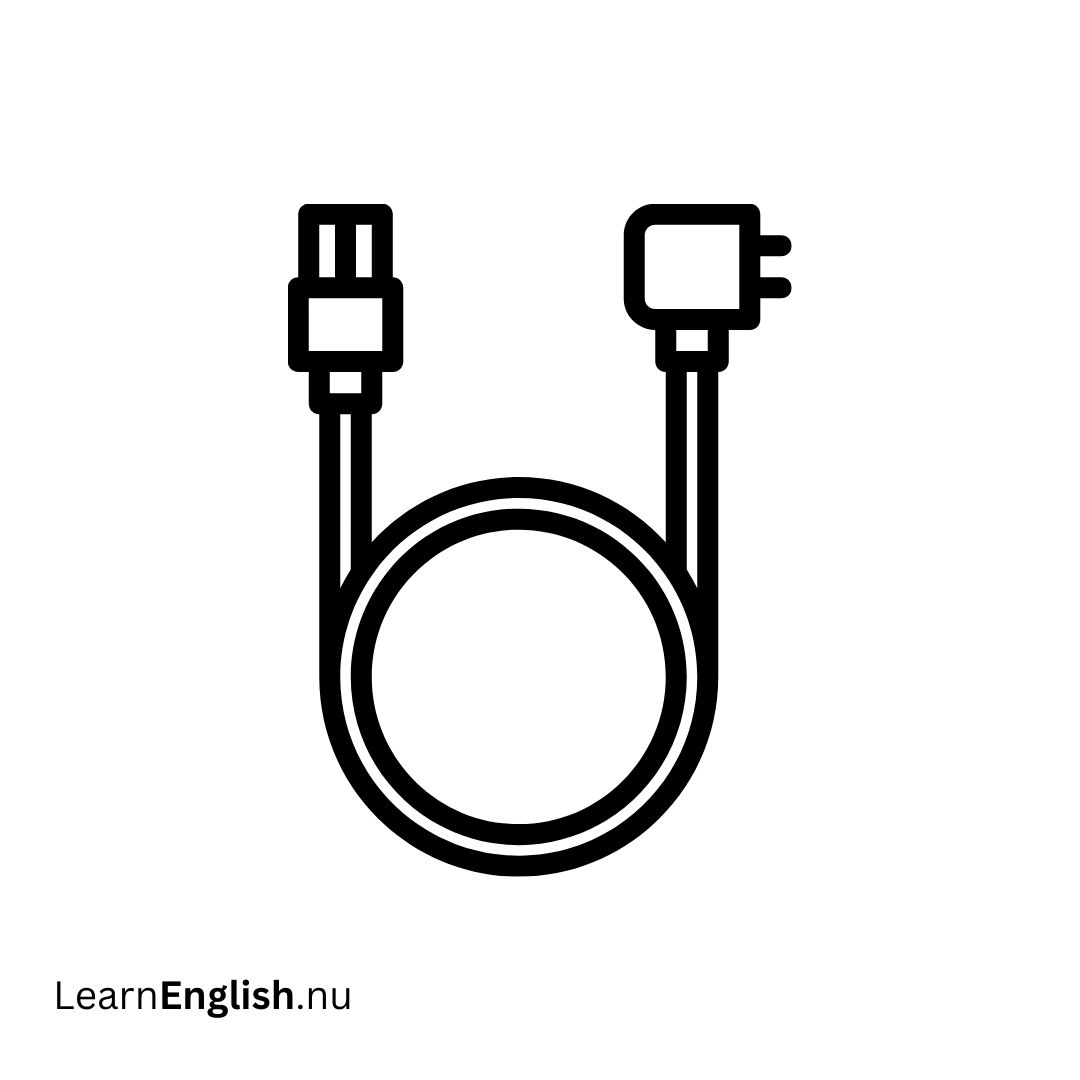 strömkabel
power cable Excel
Excel
Excel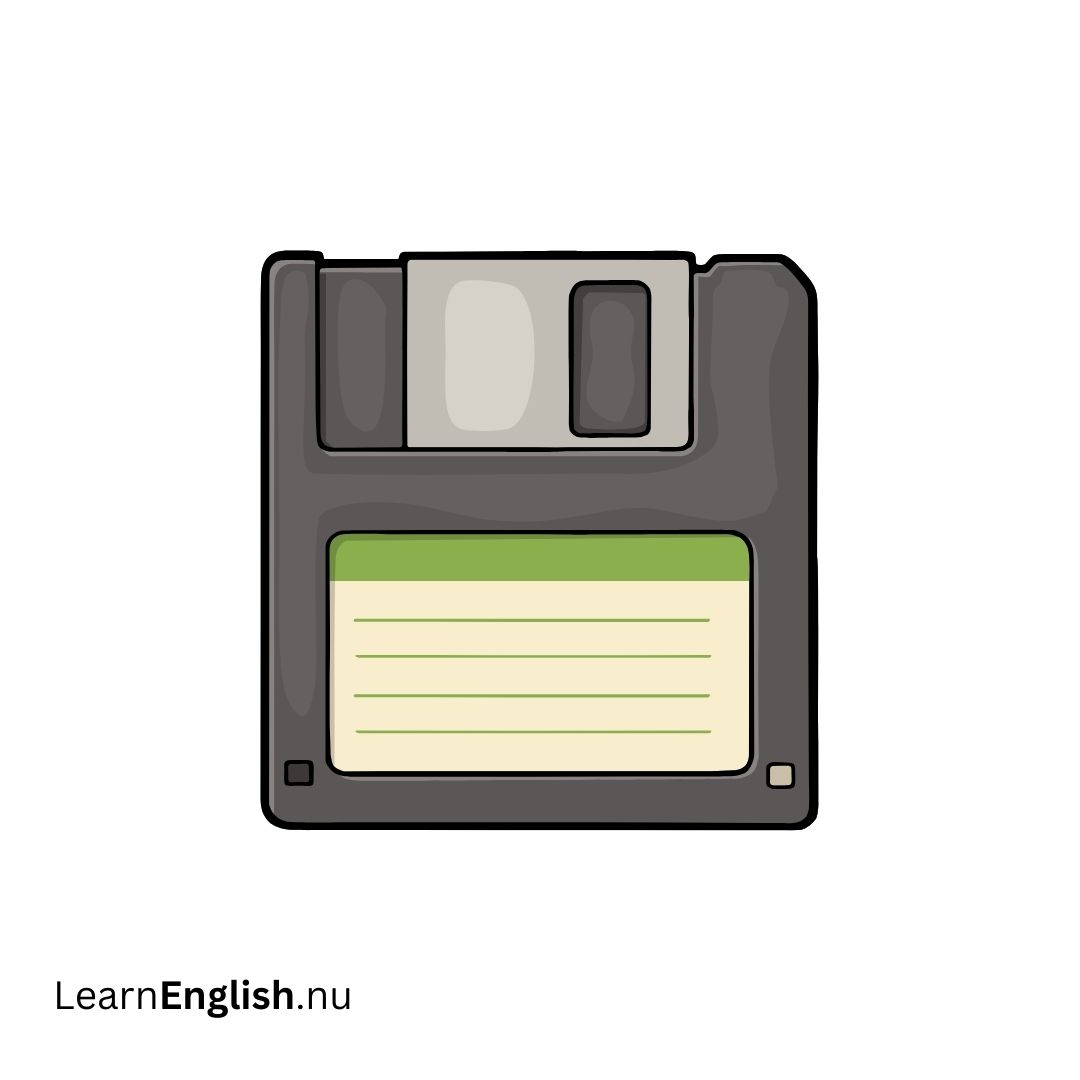 disketten
floppy disk Enter
Enter
Enter Alt
Alt
Alt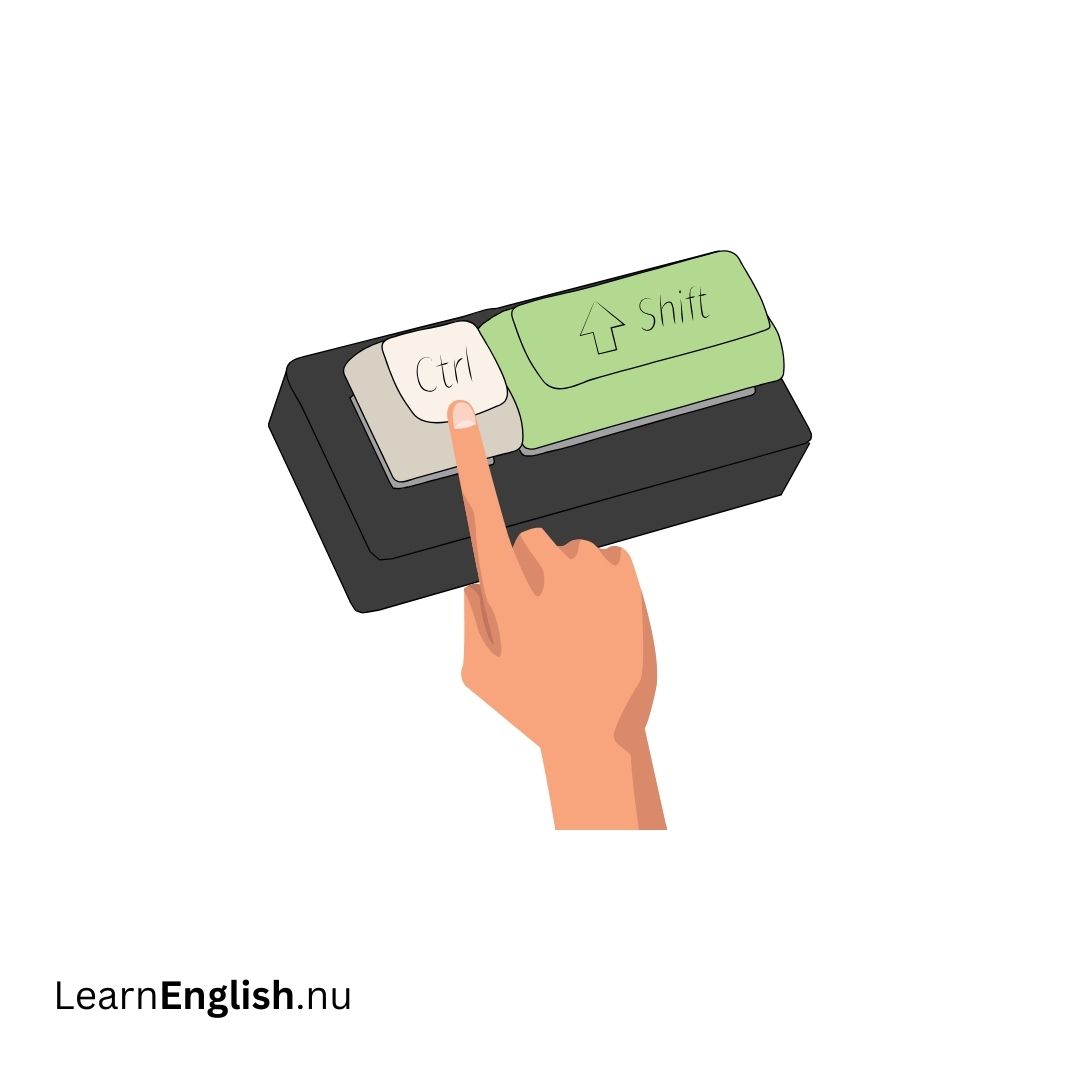 Ctrl
Ctrl
Ctrl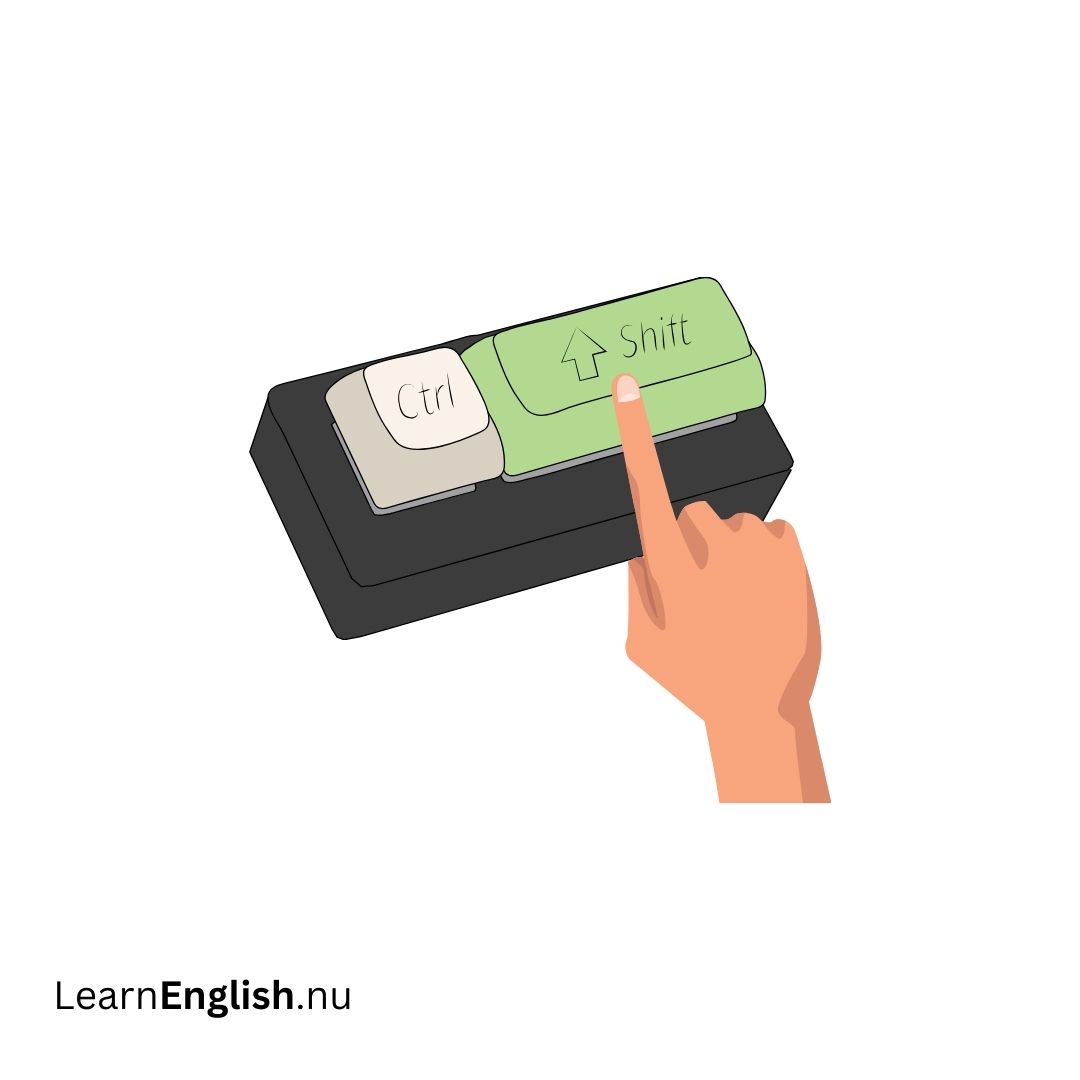 Skift
Skift
Shift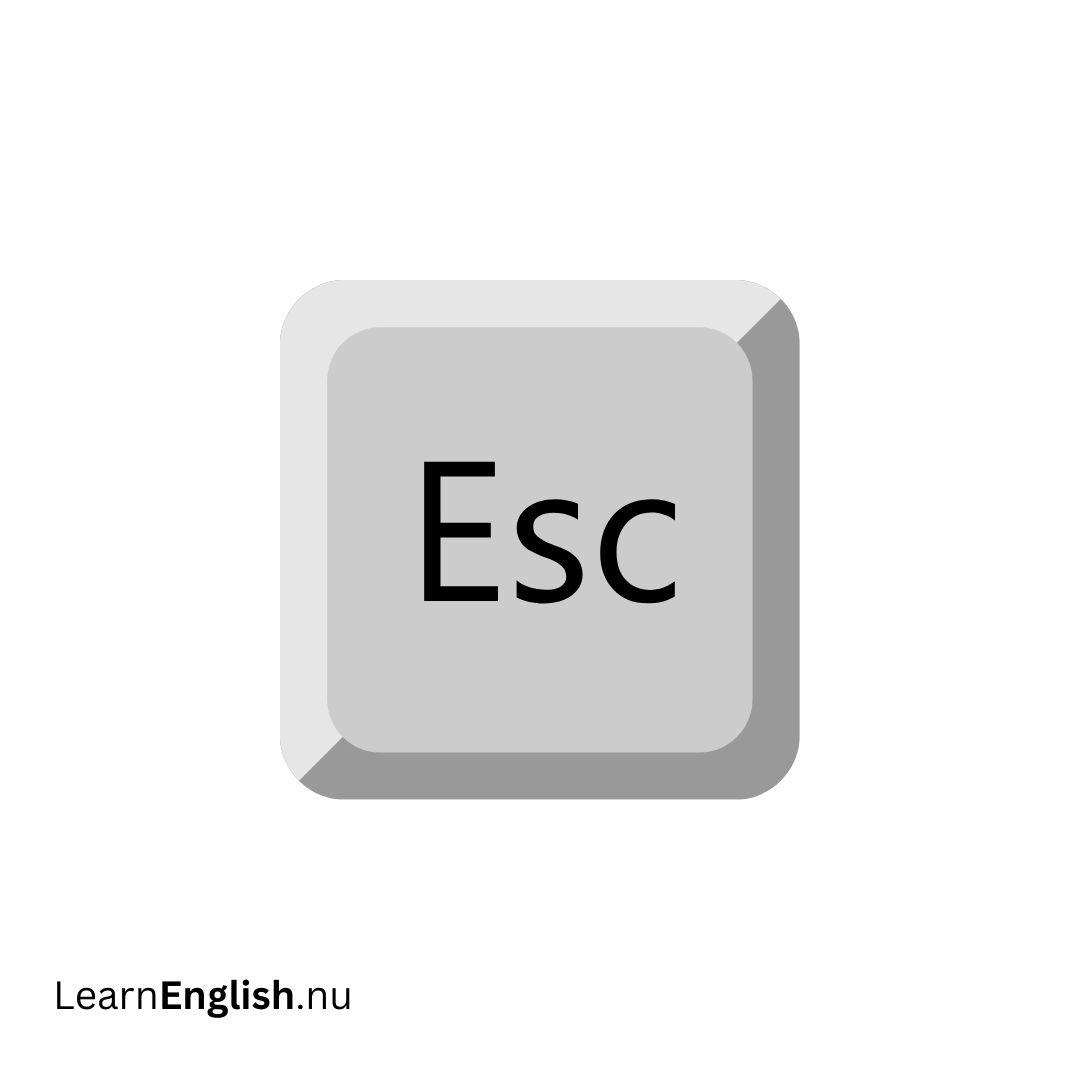 Esc
Esc
Esc Microsoft Word
Microsoft Word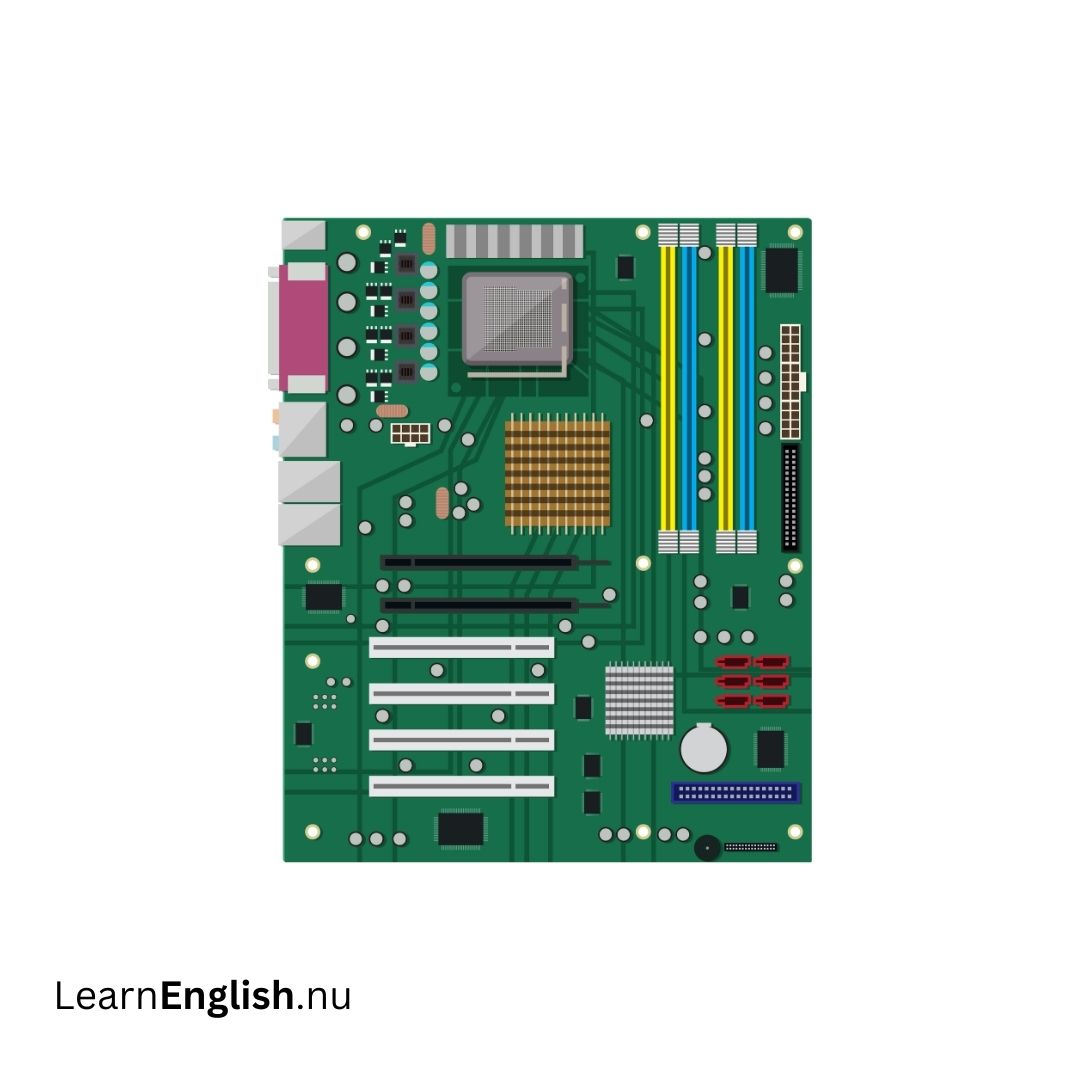 moderkort
motherboard starta om
restart stänga av
shutdown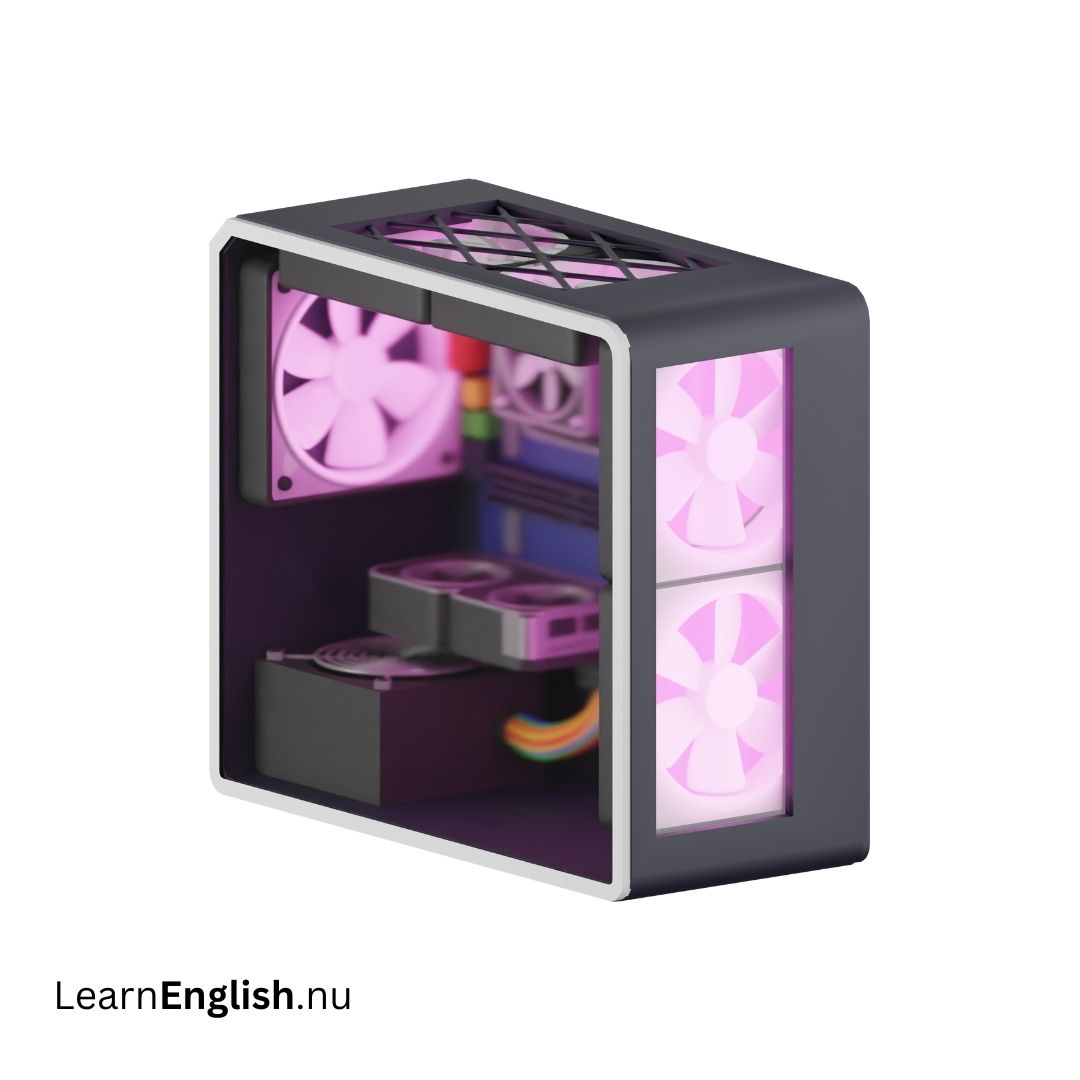 datorlåda
case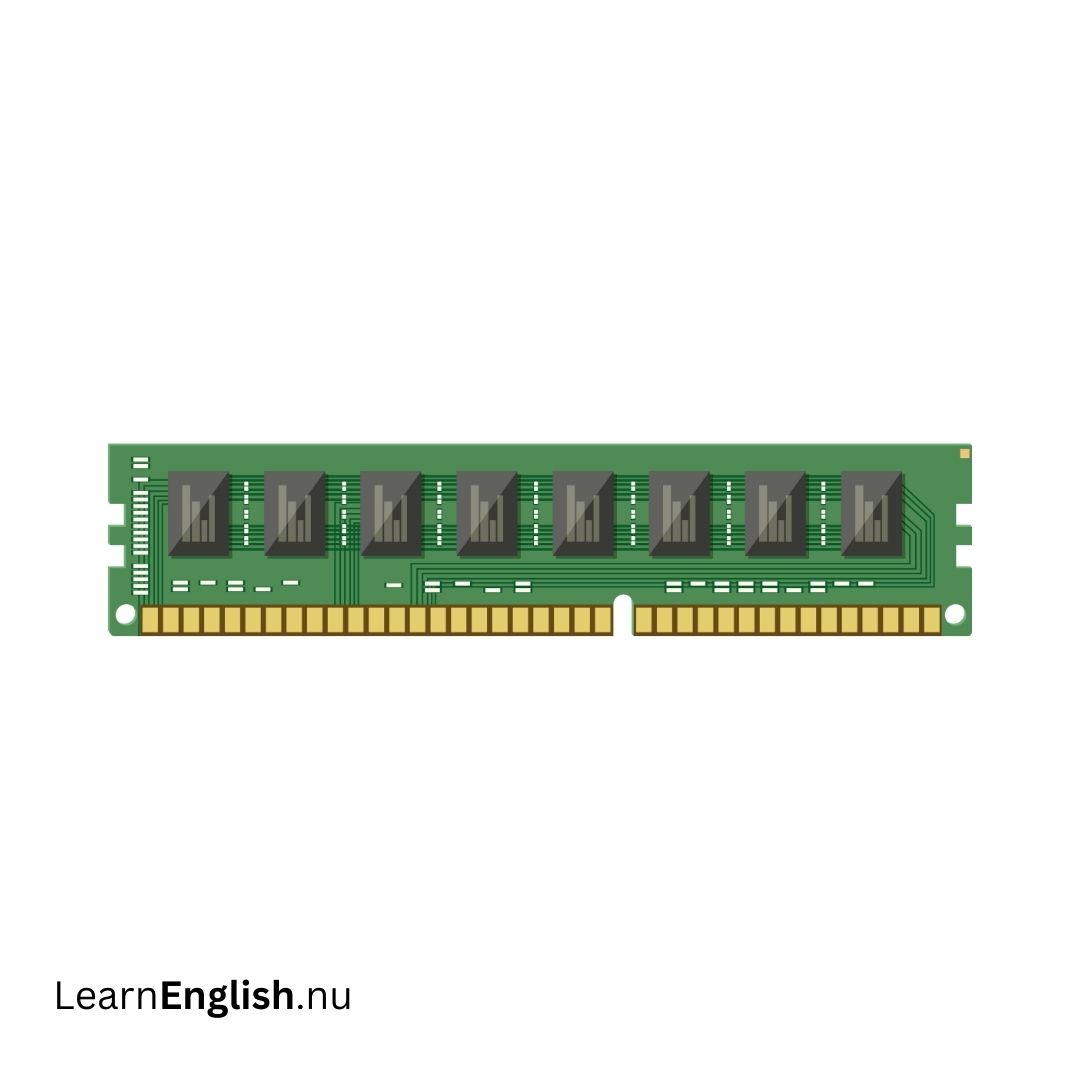 minne
minne
memory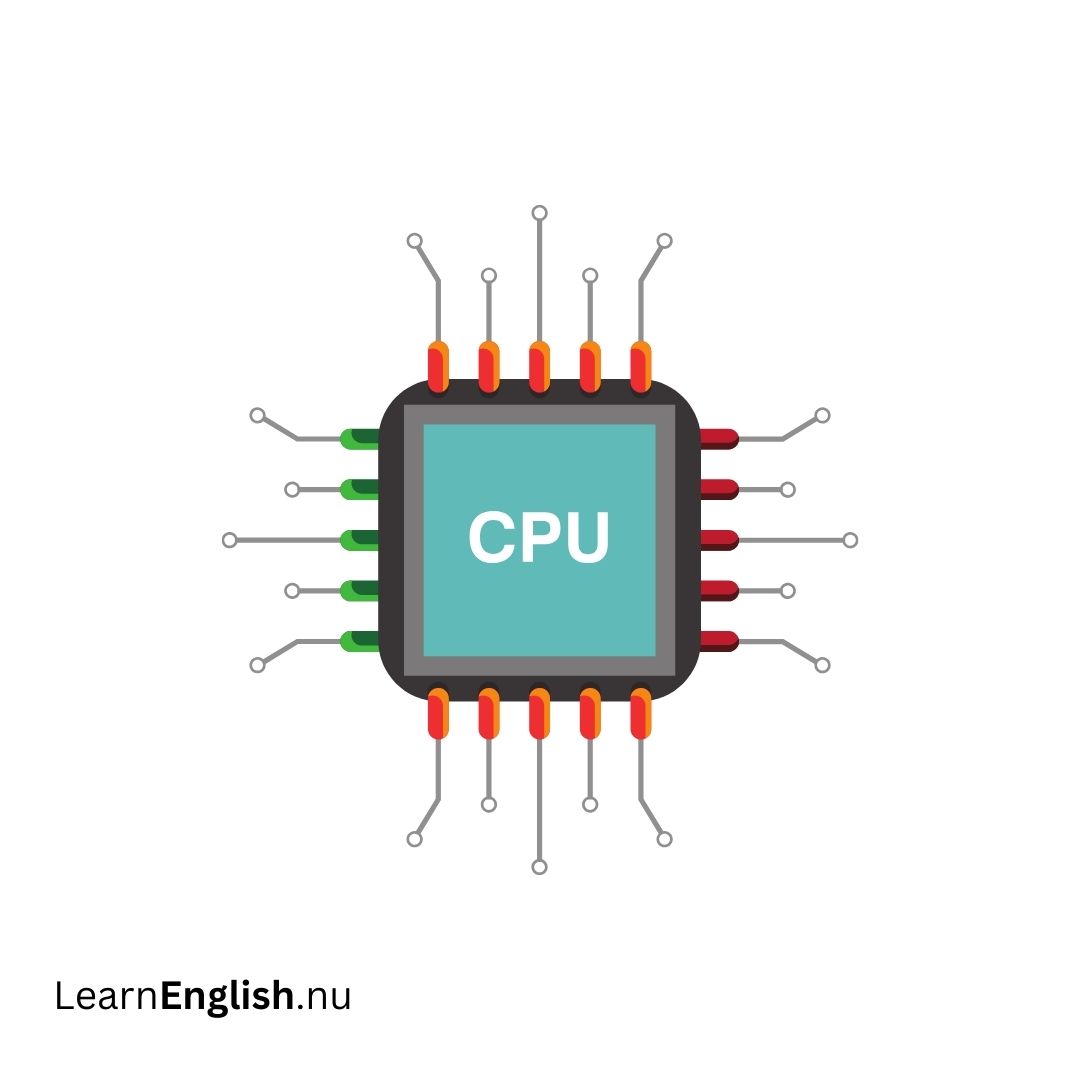 CPU
CPU
CPU nyckel
key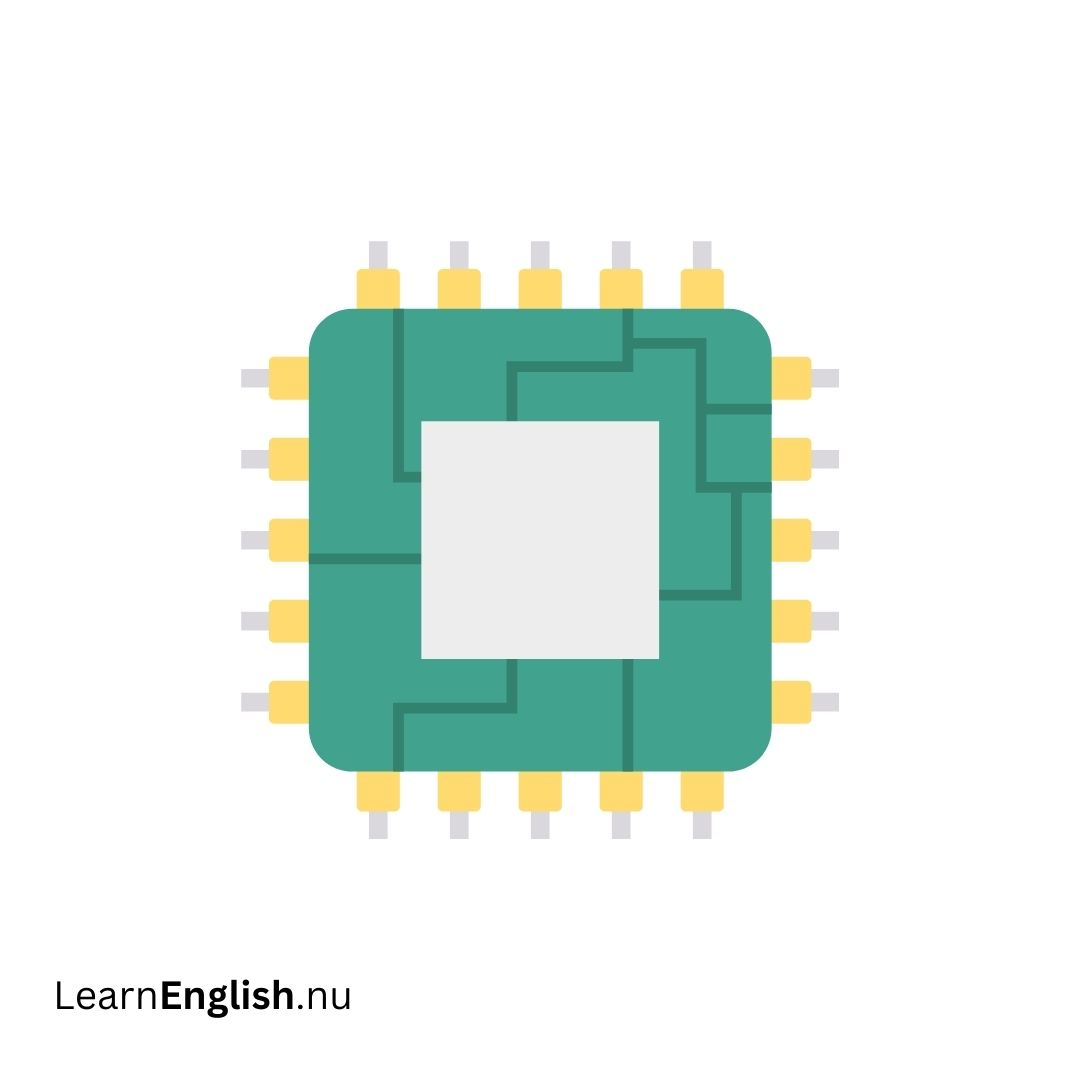 chip
chip
chip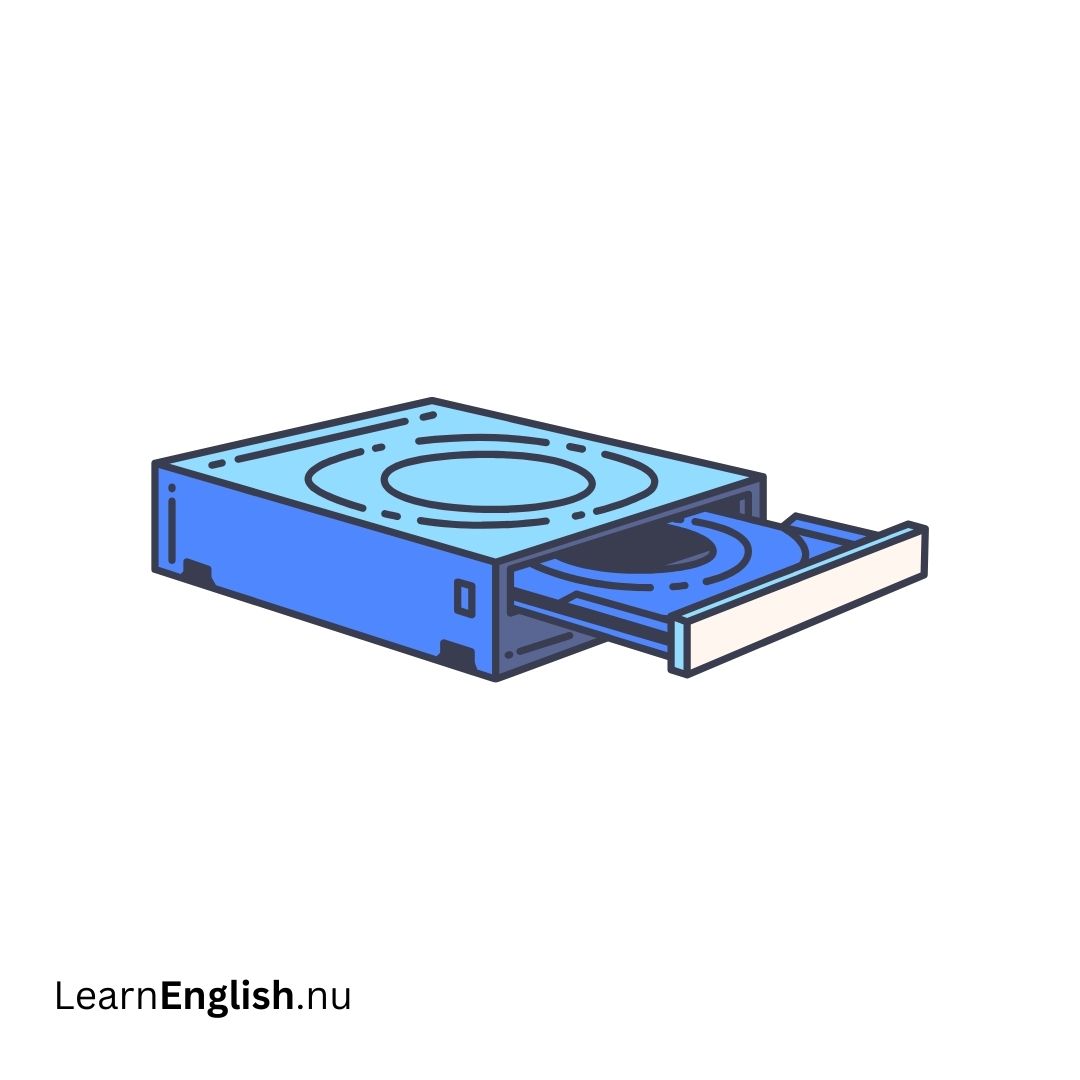 DVD
DVD
DVD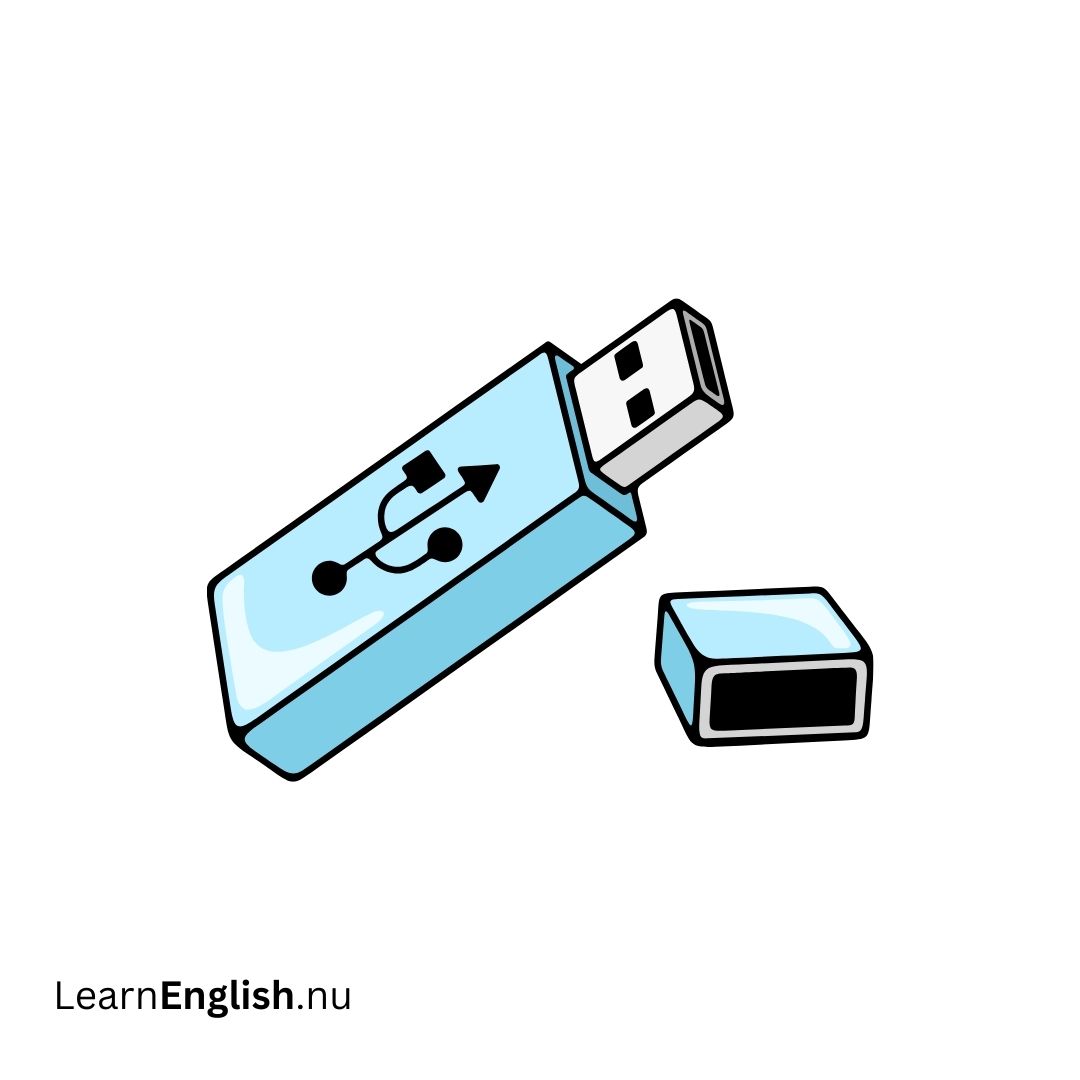 USB minne
flash drive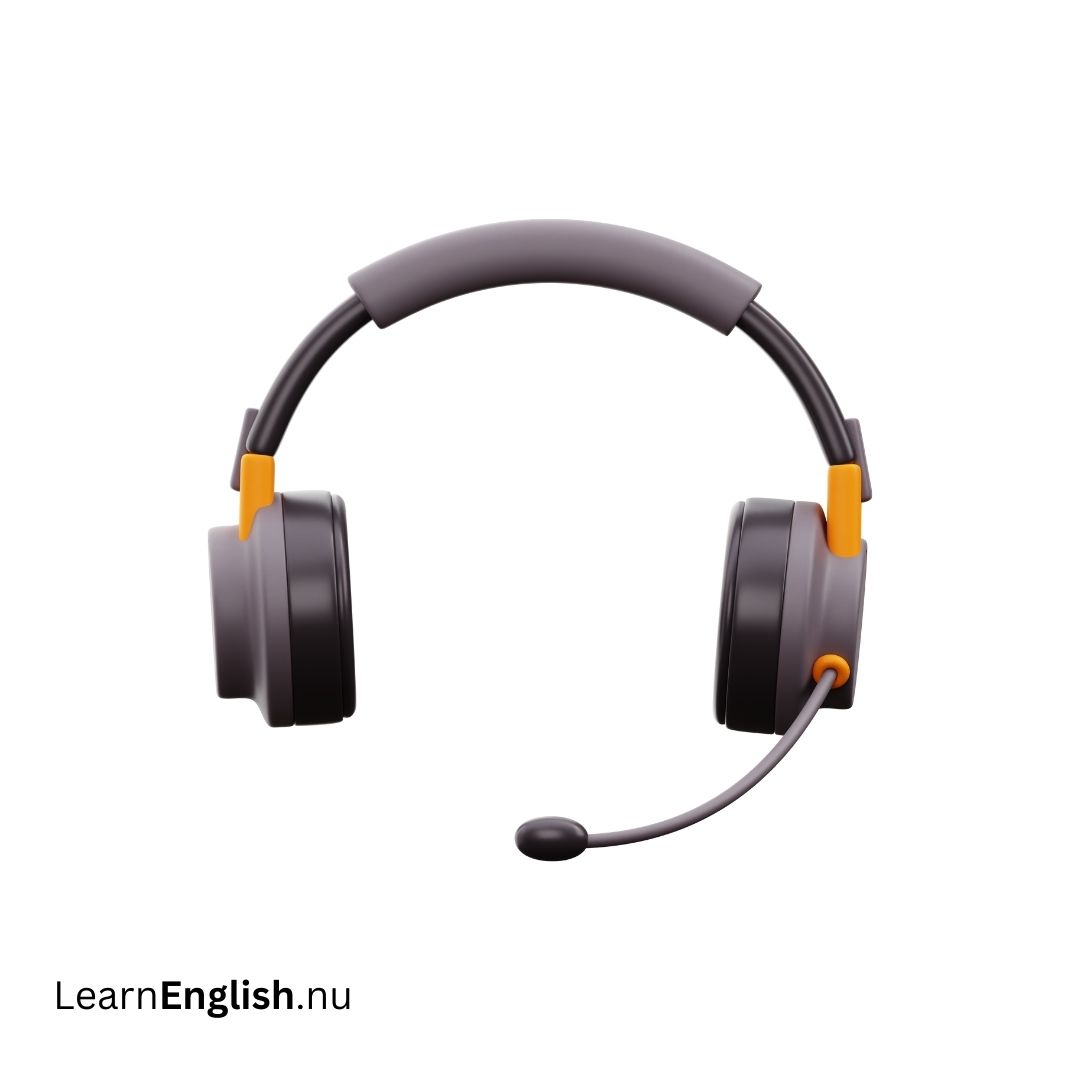 hörlurar
headphones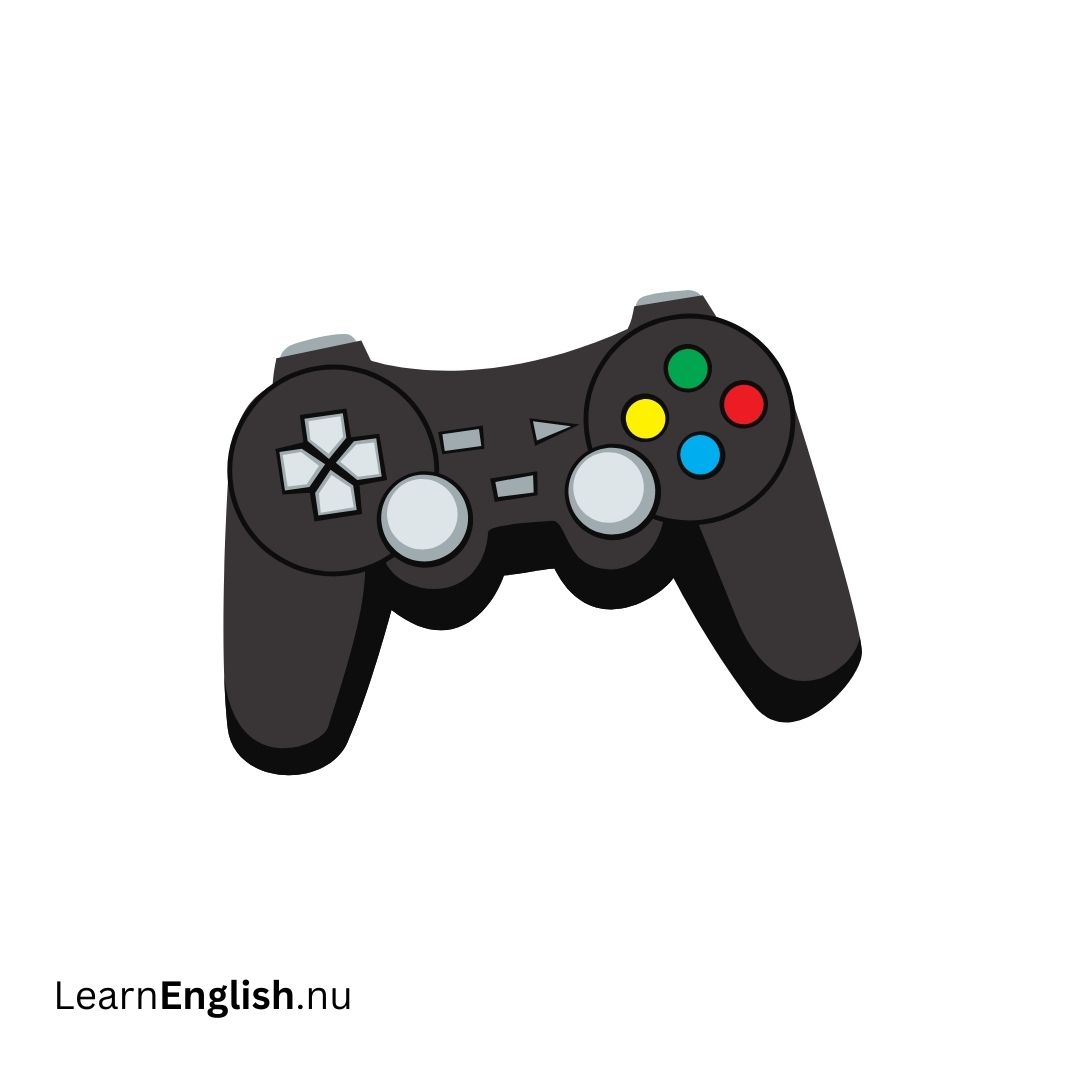 joystick
joystick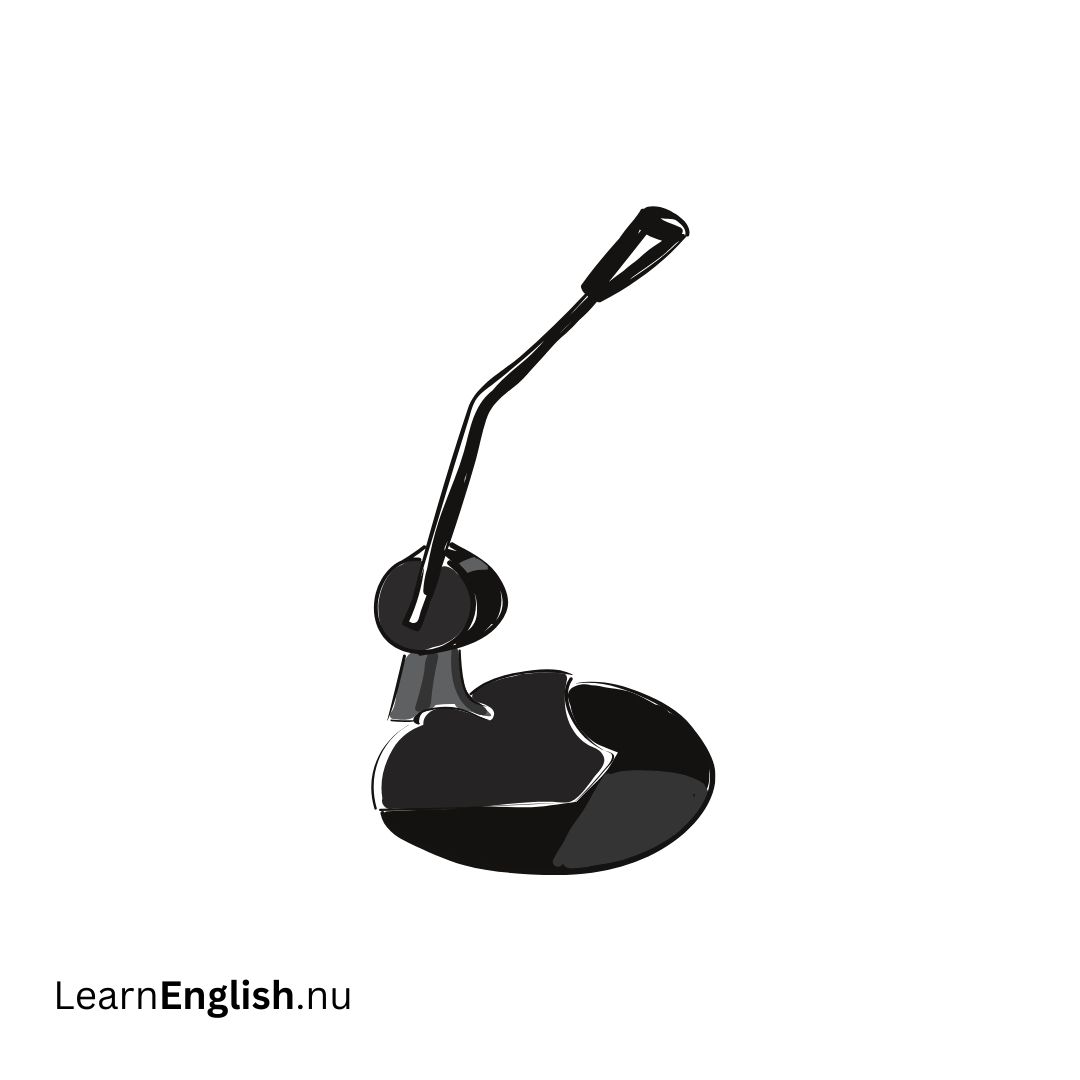 mikrofon
microphone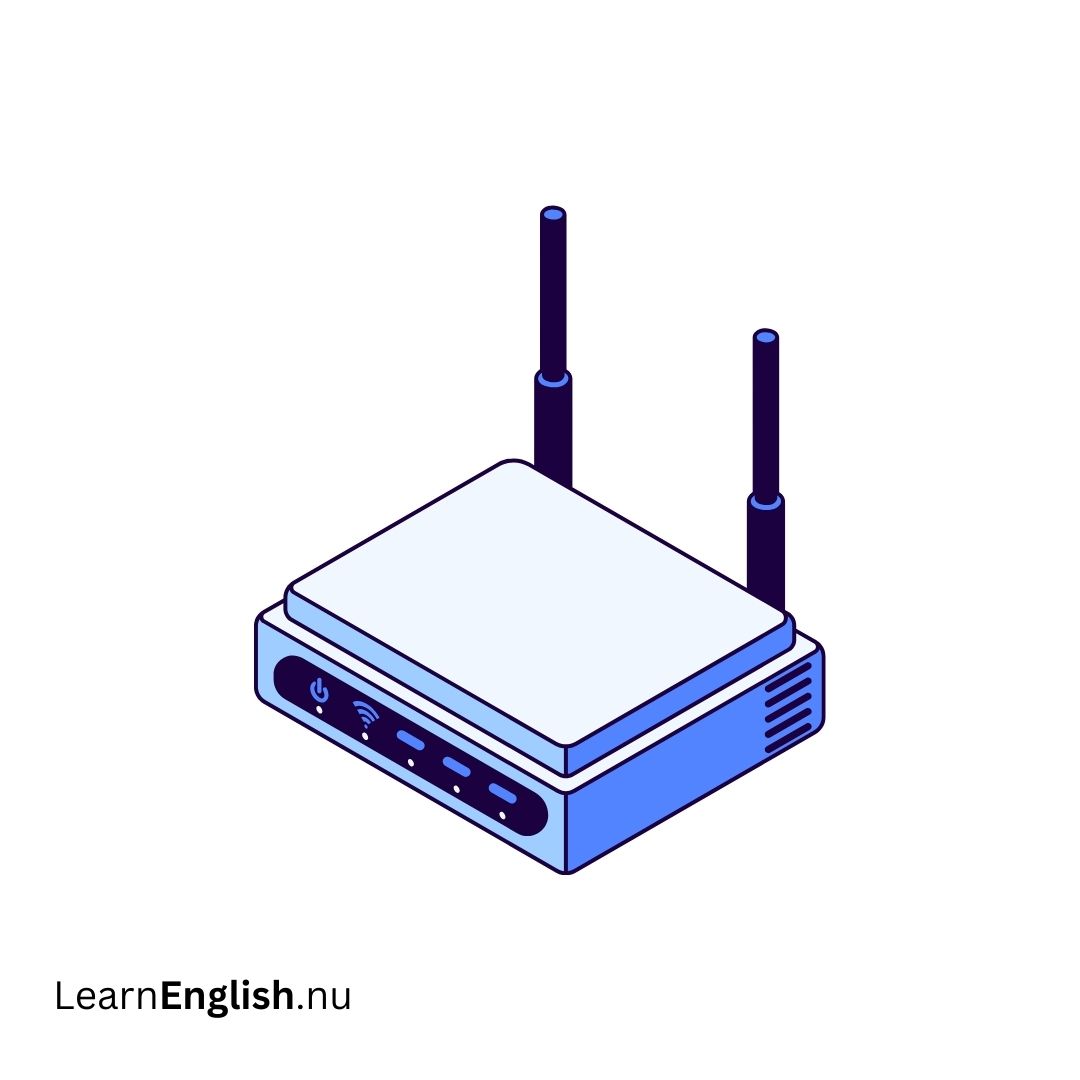 modem
modem
modem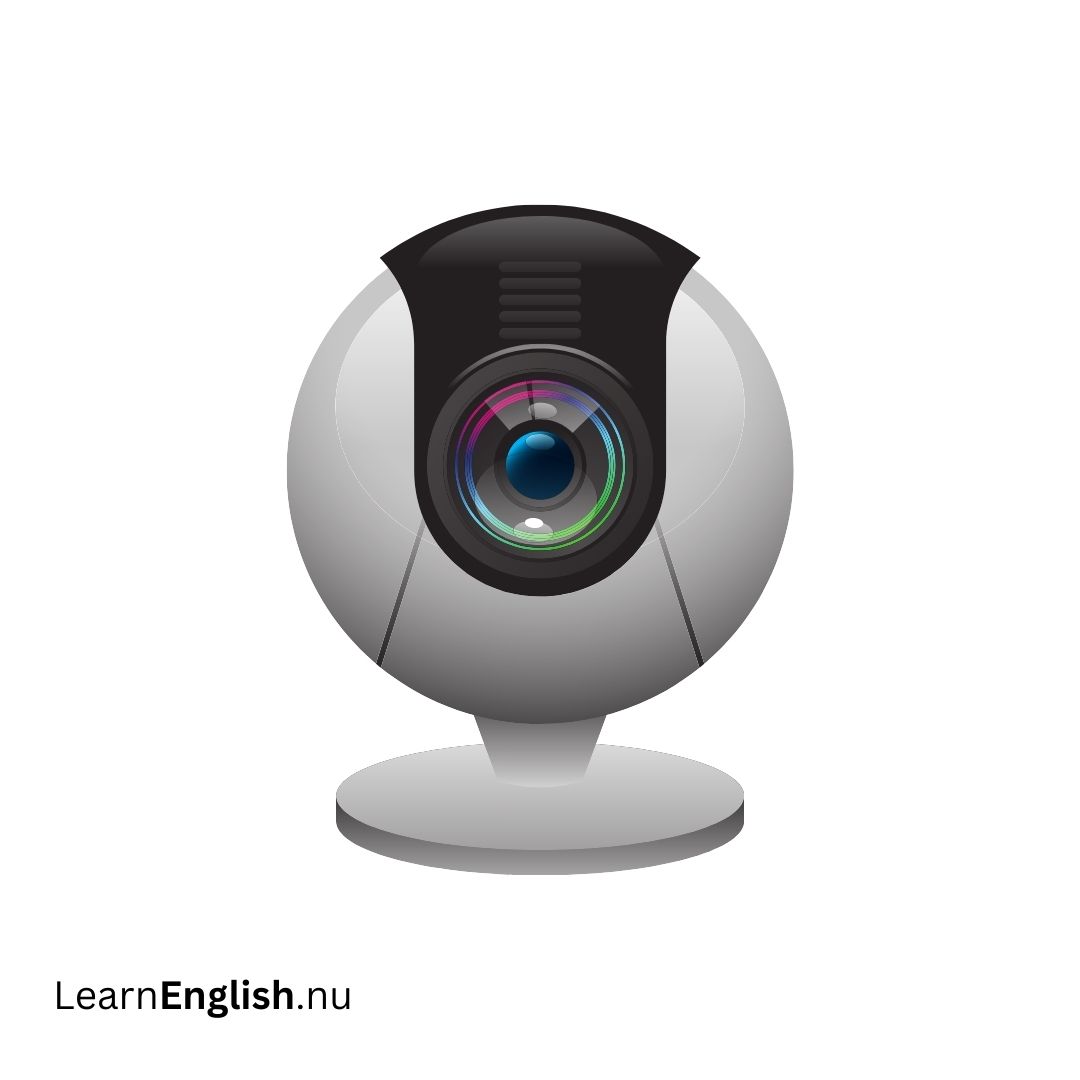 webbkamera
webcam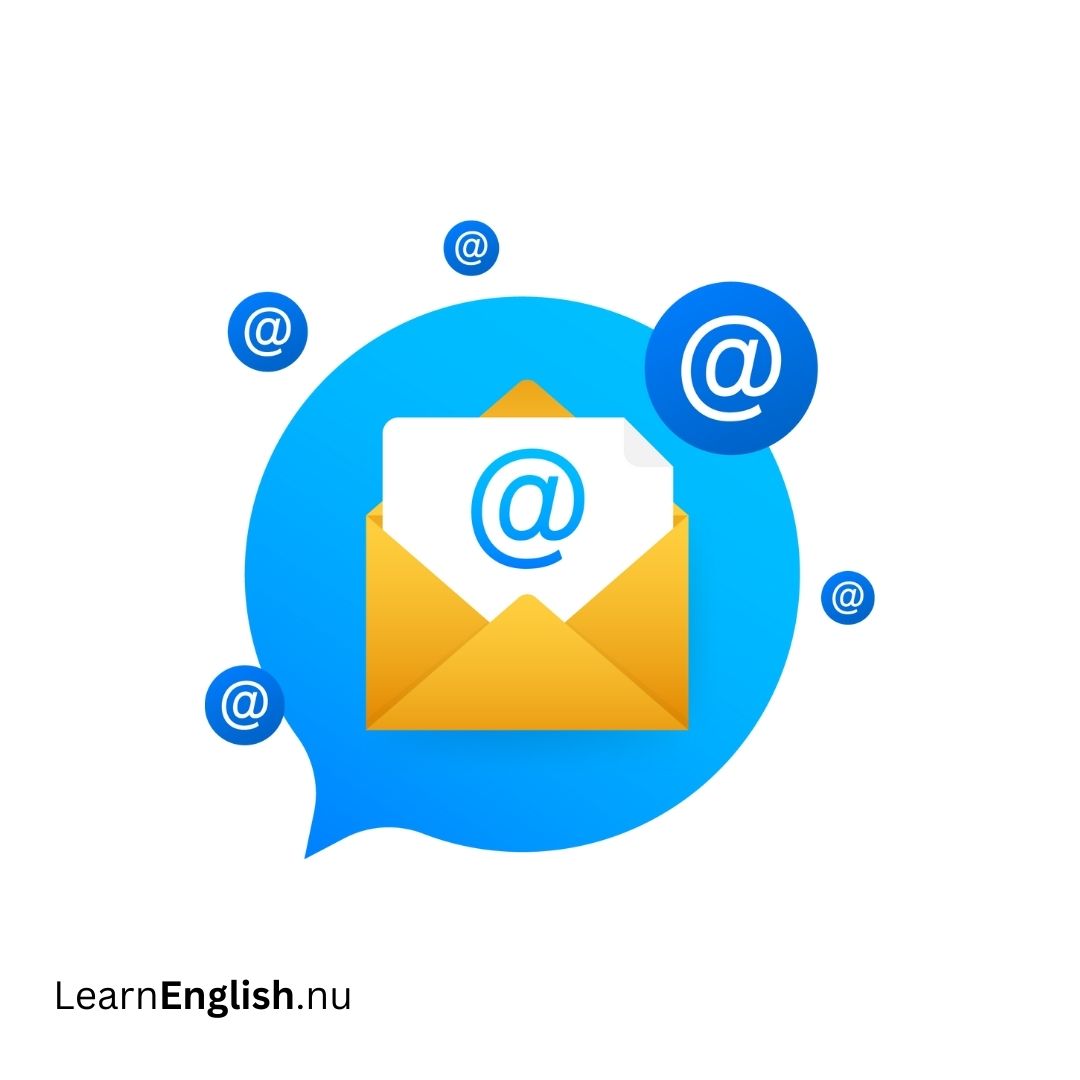 e post
email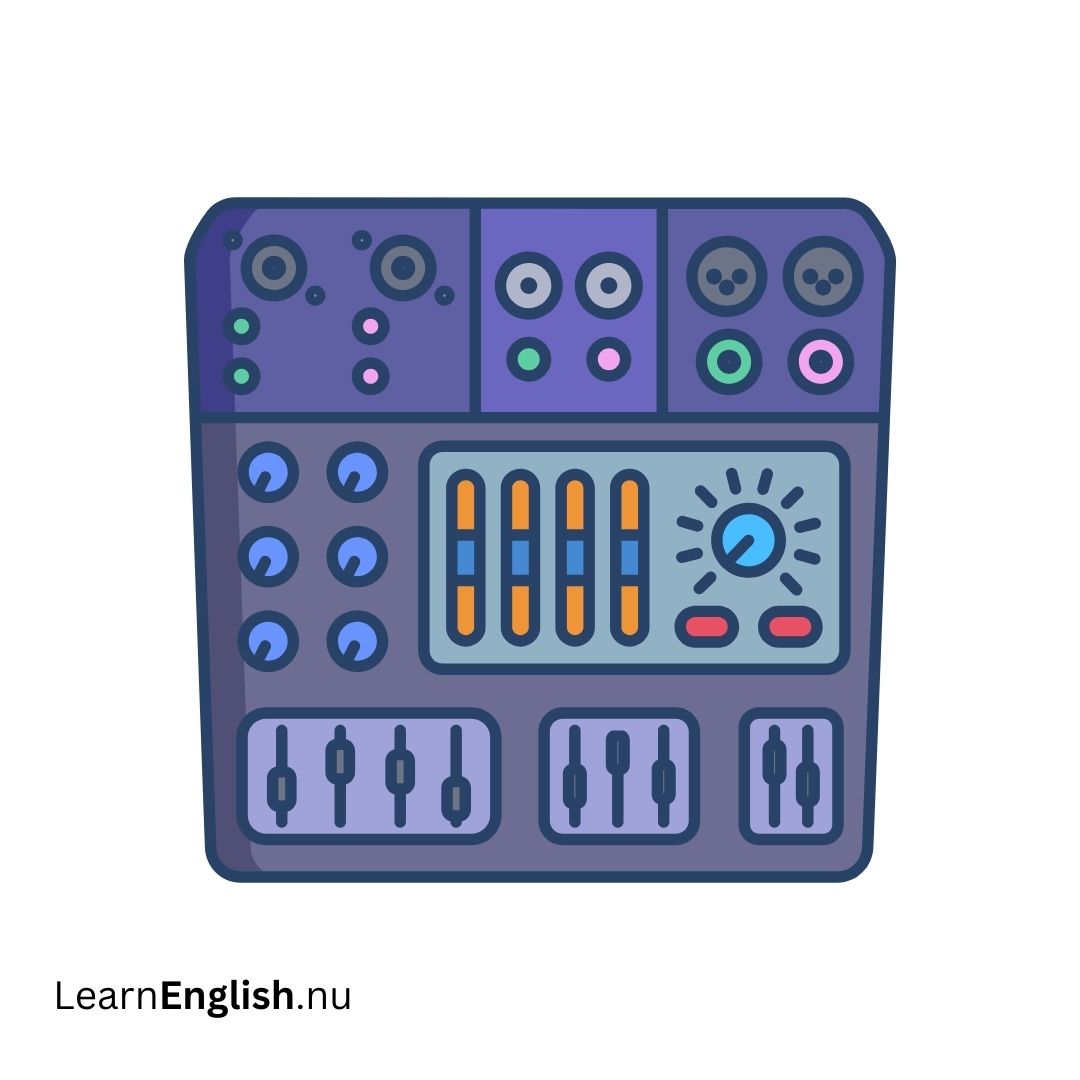 musikmixer
music mixer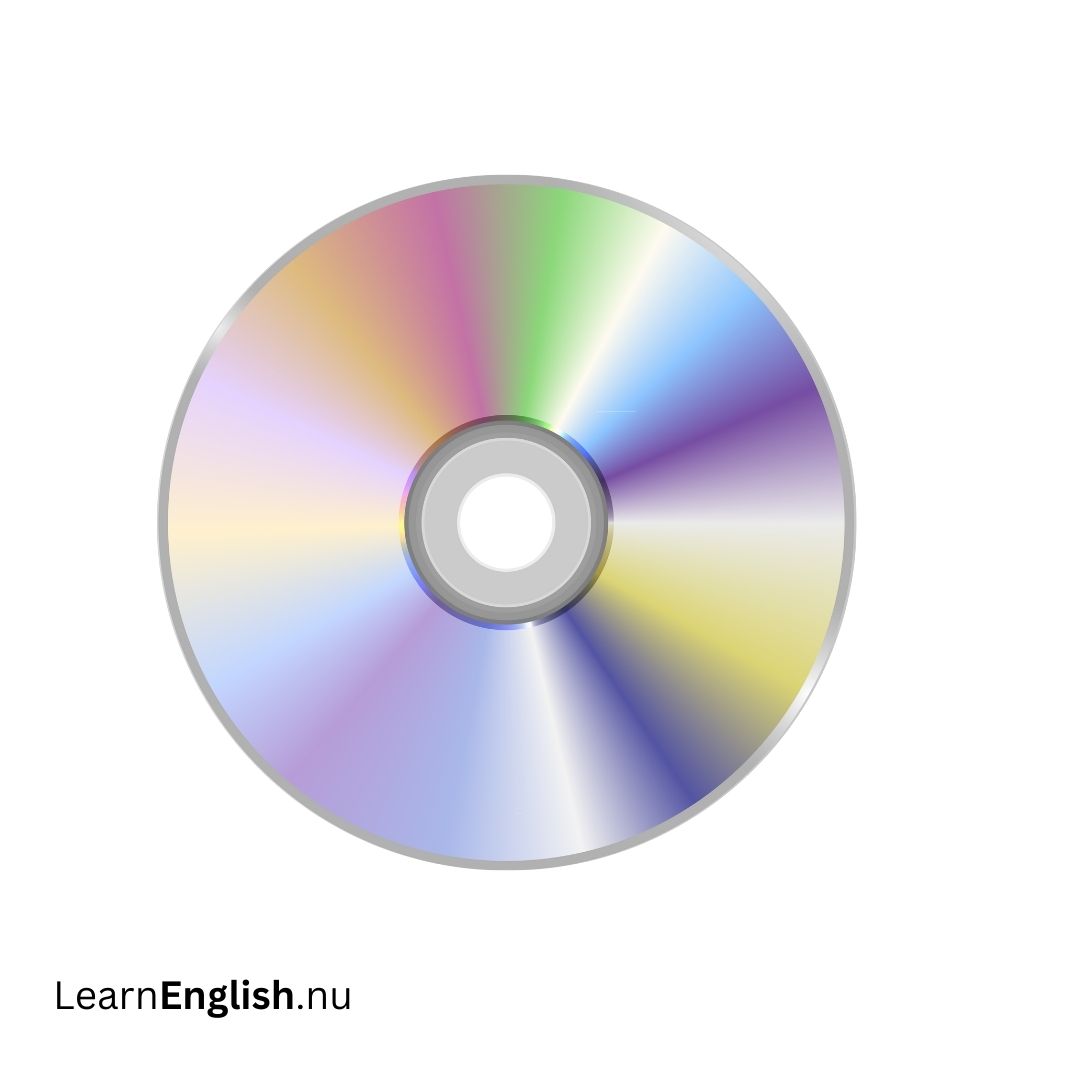 CD
CD
CD smartkort
smartcard WiFi
WiFi
WiFi nätverk
network bugg
bugg
bug sköld
sköld
shield textdokument
text document chatt
chatt
chat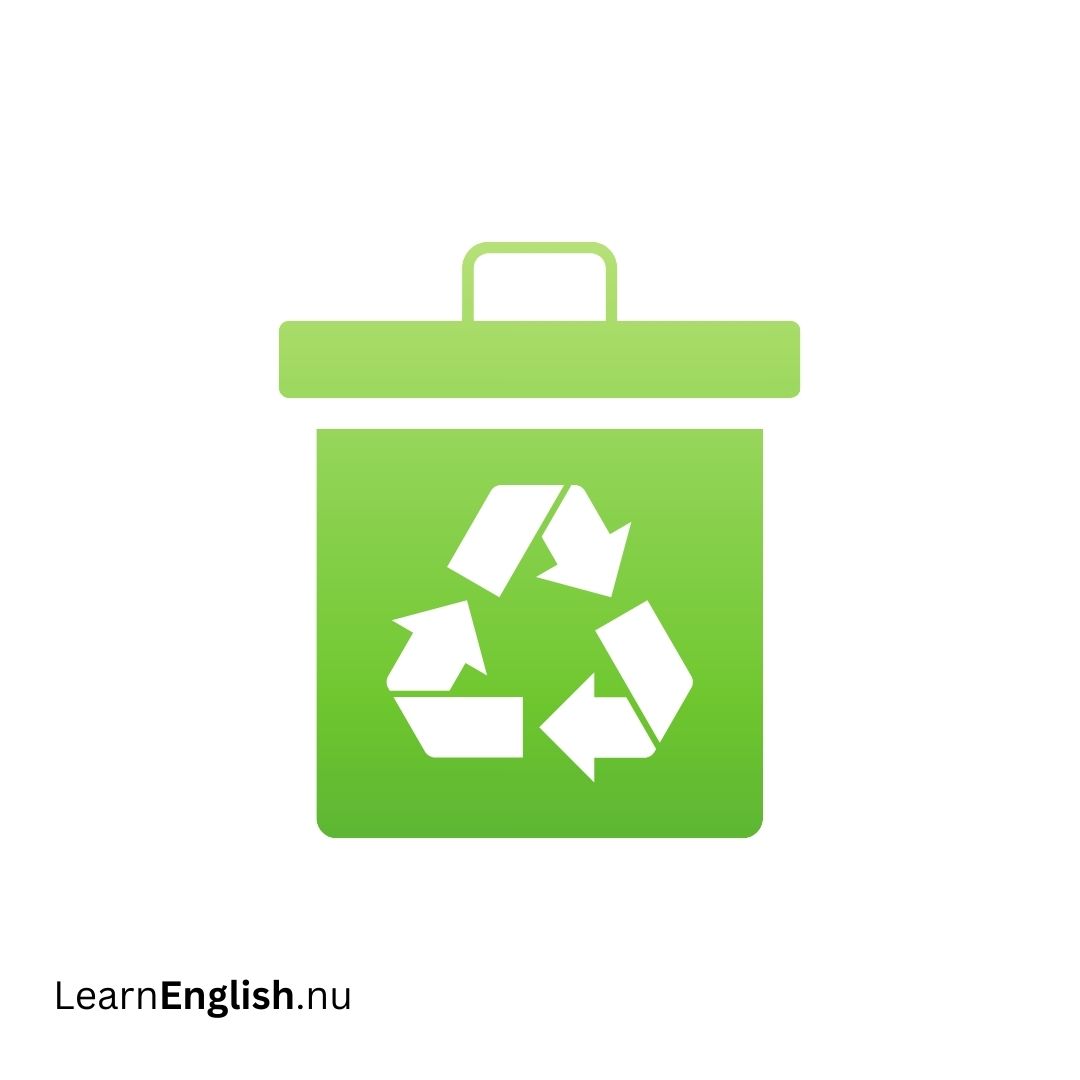 papperskorg
trash cans
Computer Vocabulary in Swedish
- laptop laptop
- dator computer
- surfplatta tablet computer
- stationär dator desktop computer
- skärm screen
- tangentbord keyboard
- mus mouse
- bildskärm monitor
- skrivare printer
- trådlös router wireless router
- kabel cable
- hårddisk hard disk / hard drive
- högtalare speakers
- strömkabel power cable
- Excel Excel
- disketten floppy disk
- Enter Enter
- Alt Alt
- Ctrl Ctrl
- Skift Shift
- Esc Esc
- Microsoft Word Microsoft Word
- moderkort motherboard
- starta om restart
- stänga av shutdown
- datorlåda case
- minne memory
- CPU CPU
- nyckel key
- chip chip
- DVD DVD
- USB-minne flash drive
- hörlurar headphones
- joystick joystick
- mikrofon microphone
- modem modem
- webbkamera webcam
- e-post email
- musikmixer music mixer
- CD CD
- smartkort smartcard
- WiFi WiFi
- nätverk network
- bugg bug
- sköld shield
- textdokument text document
- chatt chat
- papperskorg trash cans
Computer Components in Swedish
If you're learning Swedish and want to talk about computers, knowing the right vocabulary is essential. In this guide, we'll go over some key computer-related terms in Swedish, including their pronunciation and plural forms. This will help you describe different computer components accurately in Swedish.
Key Computer Terms
Here are some important computer terms in Swedish:
| Swedish Term | English Translation | Pronunciation |
|---|---|---|
| en bildskärm | a monitor | [en bild-skjärm] |
| en bärbar dator | a laptop | [en bär-bar da-tor] |
| en cd-läsare/-brännare | a CD reader/writer | [en cd-lä-sa-re/-brän-na-re] |
| ett chassi | a chassis | [et chas-si] |
| en dator | a computer | [en da-tor] |
| en fläkt | a fan | [en fläkt] |
| ett grafikkort | a graphics card | [et gra-fik-kort] |
| en hårddisk | a hard drive | [en hård-disk] |
| en högtalare | a speaker | [en högtal-are] |
| en [ström-/internet]kabel | a power/internet cable | [en ström-/in-ter-net-kabel] |
| en knapp | a button | [en knapp] |
| ett ljudkort | a sound card | [et ljud-kort] |
| ett moderkort | a motherboard | [et mo-der-kort] |
| en mus | a mouse | [en mus] |
| ett nätaggregat | a power supply | [et nät-ag-re-gat] |
| en processor | a processor | [en pro-ces-sor] |
| en tangent | a key (on a keyboard) | [en tan-gent] |
| ett tangentbord | a keyboard | [et tan-gent-bord] |
Computer parts Name
Understanding computer components is essential for anyone starting with technology. In this guide, we'll explore the basic parts of a computer, including the computer case, monitor, keyboard, and mouse, with their Swedish terms and pronunciations. This tutorial will help you get familiar with the essential hardware you'll encounter.
Computer Case (Datorlåda)
The computer case, known as "datorlåda" in Swedish, is the enclosure that houses the main components of your computer. This includes the motherboard, CPU, and power supply. The front panel often has an On/Off button and optical drives.
Types of Computer Cases
- Desktop Case (Skrivbordslåda): Flat and sits under the monitor.
- Tower Case (Tornlåda): Tall and placed next to or under the monitor.
- All-in-One (Allt-i-ett): Combines the monitor and internal components in one unit.
Monitor (Skärm)
The monitor, or "skärm" in Swedish, displays images and text processed by the computer. Monitors connect to a video card inside the computer case.
Types of Monitors
- LCD (LCD-skärm): Thin and modern.
- LED (LED-skärm): Thin and energy-efficient.
- CRT (CRT-skärm): Older, bulkier, and takes up more space.
Keyboard (Tangentbord)
The keyboard, or "tangentbord" in Swedish, is used for inputting text and commands into the computer. It consists of various keys that perform different functions.
Mouse (Mus)
The mouse, known as "mus" in Swedish, is a pointing device used to interact with the computer.
Types of Mice
- Optical Mouse (Optisk mus): Uses an electronic sensor to track movement.
- Mechanical Mouse (Mekanisk mus): Uses a rolling ball and requires more maintenance.
Mouse Alternatives
- Trackball (Trackball): Uses a ball you roll with your thumb to move the pointer.
- Touchpad (Pekplatta): A touch-sensitive pad on laptops that lets you control the pointer with finger gestures.
Tables
| English Term | Swedish Term | Pronunciation |
|---|---|---|
| Computer Case | Datorlåda | DAH-tor-loh-dah |
| Desktop Case | Skrivbordslåda | SKRIV-bords-LOH-dah |
| Tower Case | Tornlåda | TORN-loh-dah |
| All-in-One | Allt-i-ett | AHLT-ee-ETT |
| Monitor | Skärm | SHKERM |
| LCD Monitor | LCD-skärm | L-S-D SKERM |
| LED Monitor | LED-skärm | E-L-D SKERM |
| CRT Monitor | CRT-skärm | C-R-T SKERM |
| Keyboard | Tangentbord | TANG-ent-bord |
| Mouse | Mus | MOOS |
| Optical Mouse | Optisk mus | OP-tisk MOOS |
| Mechanical Mouse | Mekanisk mus | MEH-kah-nisk MOOS |
| Trackball | Trackball | TRAHK-ball |
| Touchpad | Pekplatta | PEK-plah-tah |
Computer parts from the inside in Swedish
Understanding the main parts of a computer can help you grasp how they work together. Here’s a beginner’s guide to key computer components in Swedish, complete with their functions.
| English | Swedish | Description |
|---|---|---|
| Motherboard | Moderkort | The main circuit board that connects all parts of the computer. |
| CPU/Processor | CPU/Processor | The brain of the computer, executing commands and processing data. |
| RAM (Random Access Memory) | RAM (Slumptillgångsminne) | Short-term memory used to store data temporarily while applications are running. |
| Hard Drive | Hårddisk | Long-term storage for software, documents, and files. |
| Power Supply Unit | Strömförsörjning | Converts electrical power from the wall to the type needed by the computer. |
| Video Card | Grafikkort | Handles the visual output to the monitor. |
| Sound Card | Ljudkort | Manages audio output to speakers or headphones. |
| Network Card | Nätverkskort | Allows communication over a network and access to the Internet. |
| Bluetooth Card | Bluetoothkort | Enables wireless communication with devices like keyboards and mice. |
The difference between a computer and a laptop
When deciding between a laptop and a desktop computer, it's important to understand their key differences. This tutorial covers the main distinctions, focusing on the features of laptops and how they compare to desktops.
All-in-One Design
- Laptops are built for portability, meaning they integrate several components into one unit. This includes the monitor, keyboard, touchpad, and speakers. Unlike desktops, which require separate peripherals, a laptop is fully functional on its own. This setup not only makes laptops quicker to use but also reduces cable clutter.
Laptop vs. Desktop Design (Laptop vs. Desktop Design)
| Feature | Laptop (Bärbar Dator) | Desktop (Skrivbord Dator) |
|---|---|---|
| Design | All-in-one (Allt-i-ett) | Separate components (Separata komponenter) |
| Setup | Quick and minimal cables (Snabb och minimalt med kablar) | Requires connecting peripherals (Kräver anslutning av perifera enheter) |
| Portability | High (Hög) | Low (Låg) |
Touchpad and Battery
- Laptops come with a built-in touchpad (also known as a trackpad), which replaces the need for a mouse. This touch-sensitive pad allows you to control the cursor with finger movements.
- Every laptop also includes a battery, enabling use even when unplugged. This is particularly useful for mobility and provides backup power if there's a power outage.
Touchpad and Battery (Touchpad och Batteri)
| Feature | Laptop (Bärbar Dator) | Desktop (Skrivbord Dator) |
|---|---|---|
| Touchpad | Built-in (Inbyggd) | Not included (Ej inkluderad) |
| Battery | Included (Inkluderad) | Not applicable (Ej tillämplig) |
AC Adapter and Ports
- Laptops use a specialized power cable known as an AC adapter, tailored for the specific laptop model. This adapter charges the battery and powers the laptop.
- While laptops generally have fewer ports compared to desktops to save space, they still offer essential connections like USB ports. Some laptops may require adapters for certain ports or connections.
AC Adapter and Ports (AC-adapter och Anslutningar)
| Feature | Laptop (Bärbar Dator) | Desktop (Skrivbord Dator) |
|---|---|---|
| AC Adapter | Specialized (Specialiserad) | Standard power cable (Standard strömkabel) |
| Ports | Fewer but essential (Färre men viktiga) | More and varied (Fler och varierade) |
Price Comparison
- Laptops often cost more than desktops with similar internal components. Basic laptops might be cheaper than high-end desktops, but they usually offer less power. For those seeking a balance between cost and performance, desktops might be a better option.
Price Comparison (Prisjämförelse)
| Feature | Laptop (Bärbar Dator) | Desktop (Skrivbord Dator) |
|---|---|---|
| Price | Generally higher (Vanligtvis högre) | Generally lower (Vanligtvis lägre) |
| Performance | Basic models less powerful (Grundläggande modeller mindre kraftfulla) | More powerful options available (Mer kraftfulla alternativ tillgängliga) |
Related Topics
Clothes in Swedish vocabulary (Kläder) - Learn Swedish
Directions :: Swedish vocabulary
Places in town words vocabulary in Swedish
Swedish Lessons: Swedish Garden Vocabulary Words
Swedish Lessons: Swedish cleaning tools Vocabulary Words
Swedish Nature Vocabulary with Pronunciation - Learn Swedish
Swedish Lessons: Swedish Bathroom Vocabulary Words
Swedish vocabulary: At the Beach Words and Phrases
Swedish Lessons: Swedish kitchen utensils Vocabulary Words
Swedish Vocabulary: Words and Phrases for Restaurant in Swedish
Swedish Lessons: Living room Vardagsrum Vocabulary Words
Sports vocabulary words in Swedish - Learn Swedish
Time Vocabulary in Swedish - Telling Time in Swedish
Communication vocabulary words in Swedish - Learn Swedish
Technology Vocabulary in Swedish
Internet Vocabulary in Swedish
Swedish Lessons: Swedish utility room Vocabulary Words
Swedish Lessons: Swedish tools and equipment Vocabulary Words
Swedish Lessons: Swedish Food and Meals Vocabulary Words with Pronunciation
Swedish Lessons: Swedish Drink Words Vocabulary Words
Swedish Parts of the Body Vocabulary
Internal organs :: Swedish vocabulary: Learn Swedish
Swedish Lessons: Swedish Transportation Vocabulary And Phrases
Swedish Vocabulary: Swedish Occupations Jobs Professions Words
Office supplies - Office equipment words vocabulary in Swedish